2022 / 12 / 12 11:12
100%
Set Date & Time
Press to save
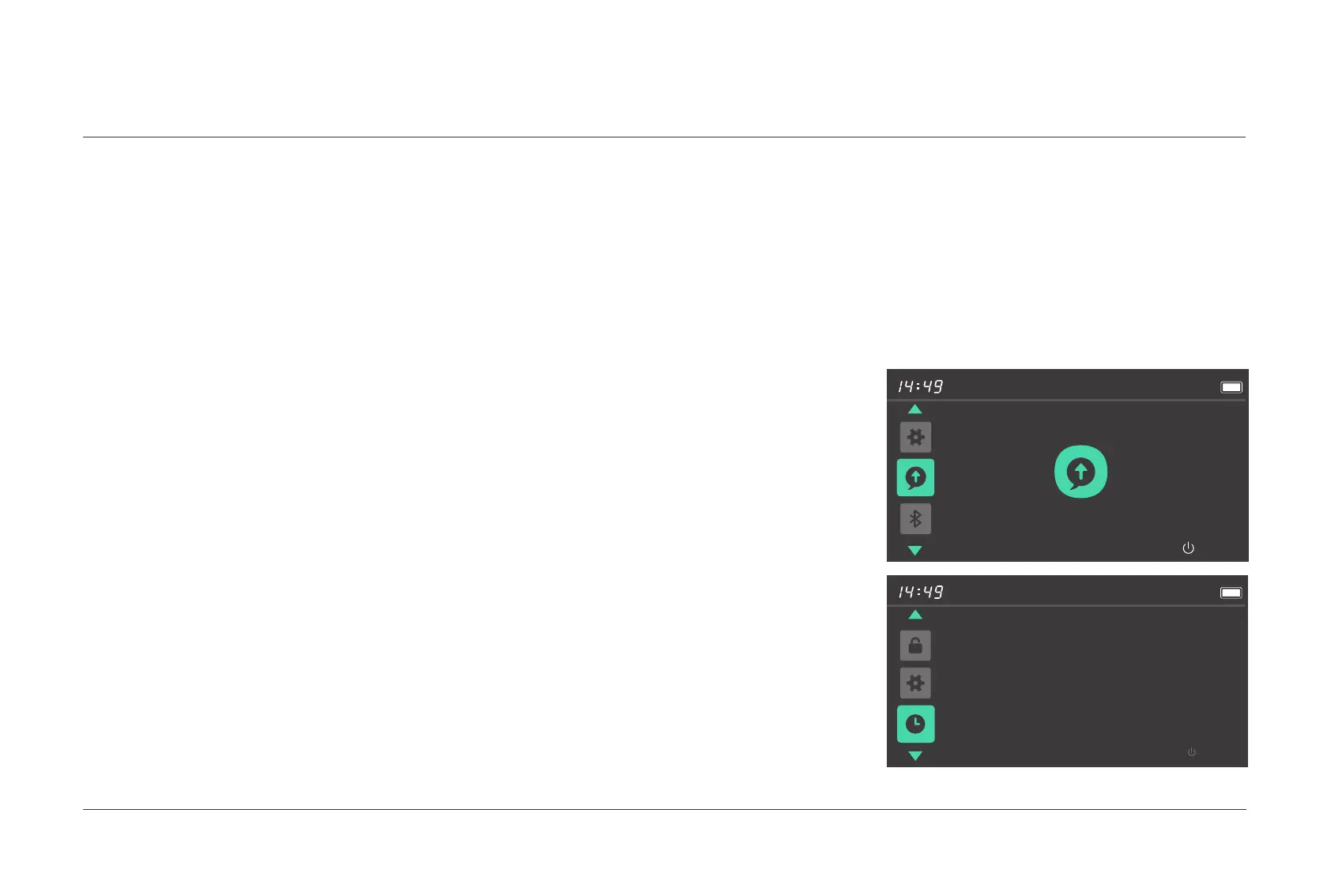
After entering the menu preview interface, press the
[
Power
]
button
to enter this menu item. Click the
[
+
]
or
[ - ]
button to select a value ranging
from 00 to 23 after the hour flashes. Press the
[
Power
]
button to confirm
the setting and go to the minute, and click the
[
+
]
or
[
-
]
button to select
a value ranging from 00 to 59. Press the
[
Power
]
button to confirm and
save the setting, and switch to the next menu interface.
The system information such as the software version will be displayed
after you enter the menu preview interface.
5.8 Time settings
System Information
HMI Version 9.4.4
100%
Back
05.
USER MENU
5.7 System information
029 Display operations



 To Next Page