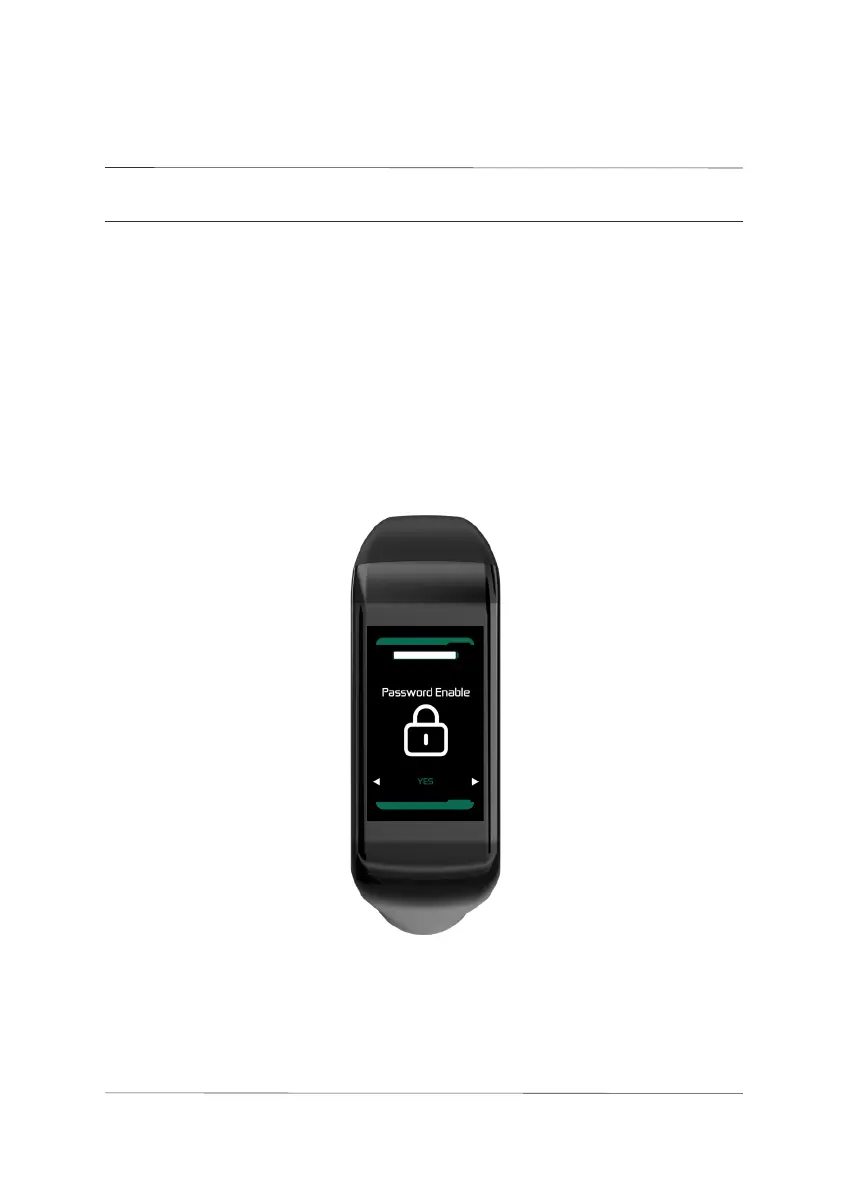
5.6 Password Settings Information Interface
This interface enables or disables the password. By default, it is set to
YES, meaning a password is required. It can be changed to NO, which
disables the password. You can use the UP/DOWN buttons to set/cancel
the password. Long press the M button to exit and save the settings.
Password settings
interface
040
USER
SETTINGS
05.
User settings



 To Next Page