EasyManua.ls Logo

Tenways CGO800 PLUS - Page 44

Default Icon
64 pages
Print Icon
To Next Page IconTo Next Page
To Previous Page IconTo Previous Page
Loading...
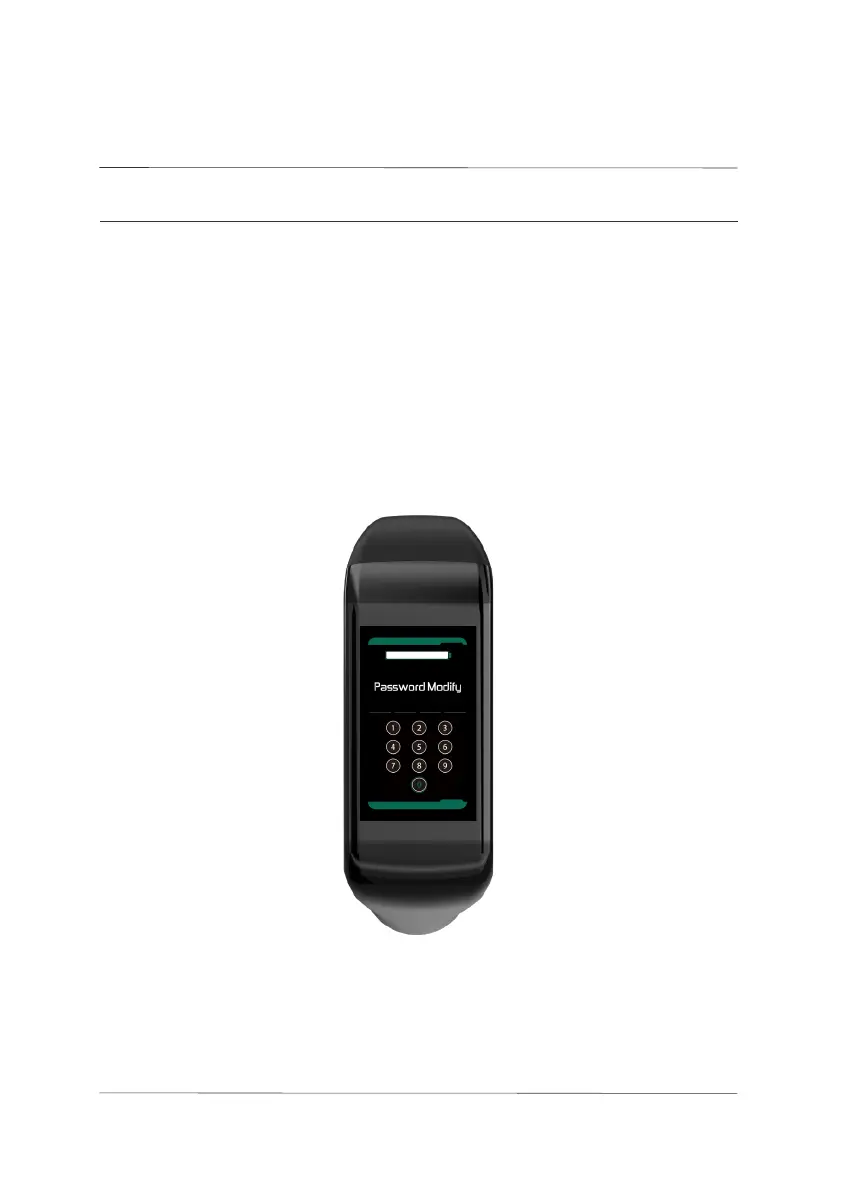
5.7 Password Modication Interface
Enter the new password you want to set on this interface. After entering,

The next time the panel is powered on, it will use the newly set password.

Press and hold the M button to save and exit. If a short press is made after

clear the last three digits. Exiting by long pressing the M button before
entering all four digits will result in the changes not being saved.

interface
041
User settings

Related product manuals