SoundSystem SiXPack 5.1 + 17
Uninstalling the driver under Windows 98SE
If you want to remove the driver from the system, it is best to do this before you remove the
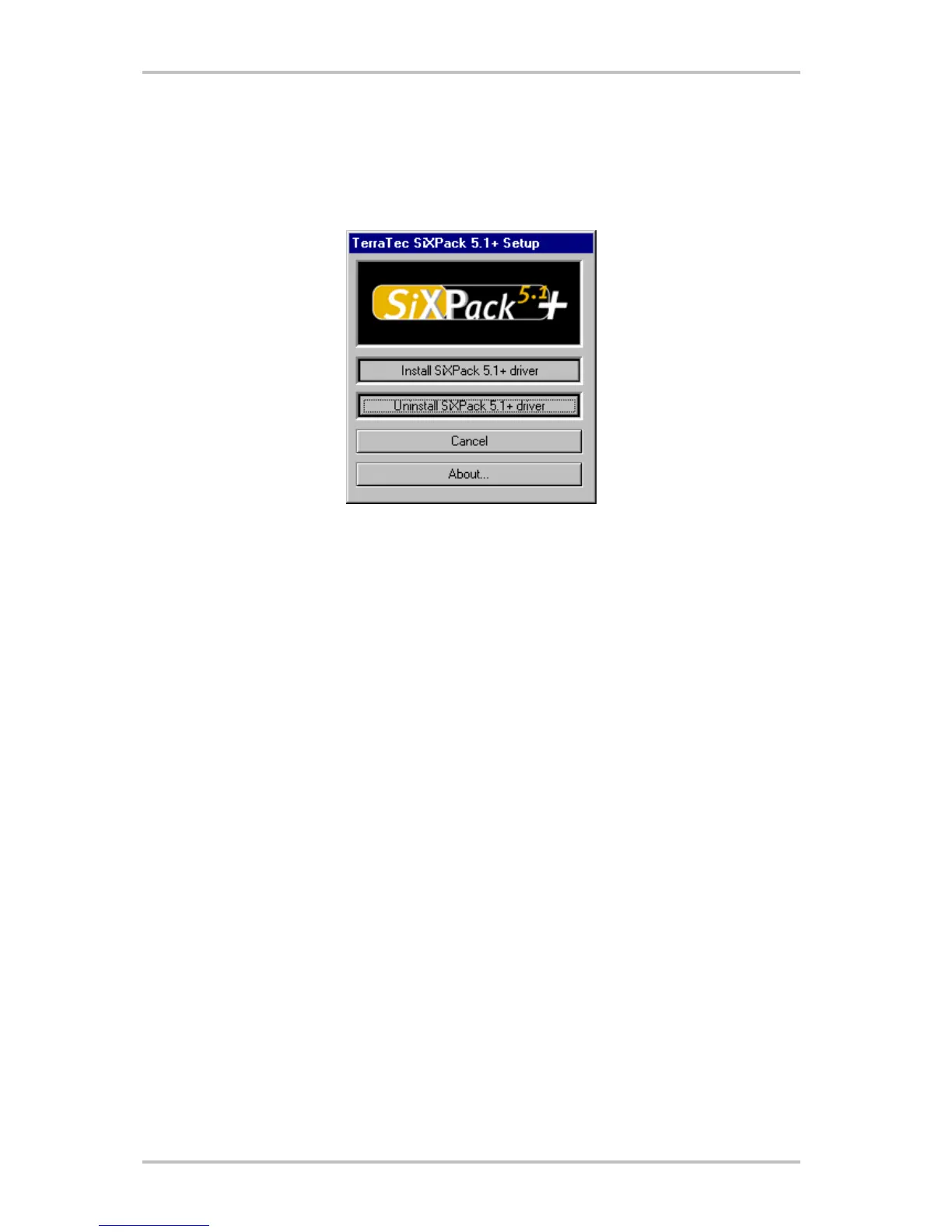
card using the setup program that you also used when installing the driver.
Choose "Uninstall SiXPack 5.1 + driver".
The accompanying bundle software can be removed as simply as well. Call up "Add/Remove
Programs" in the Windows Control Panel and locate the programs that are to be deleted. Select
them one after the other and each time click "Add/Remove...".



 To Next Page