SoundSystem SiXPack 5.1 + 51
The SiXPack 5.1 + Control Panel.
The description of the SiXPack 5.1 + Control Panel applies to the Control Panel that is installed
under Windows 98Se, Windows Me and Windows 2000.
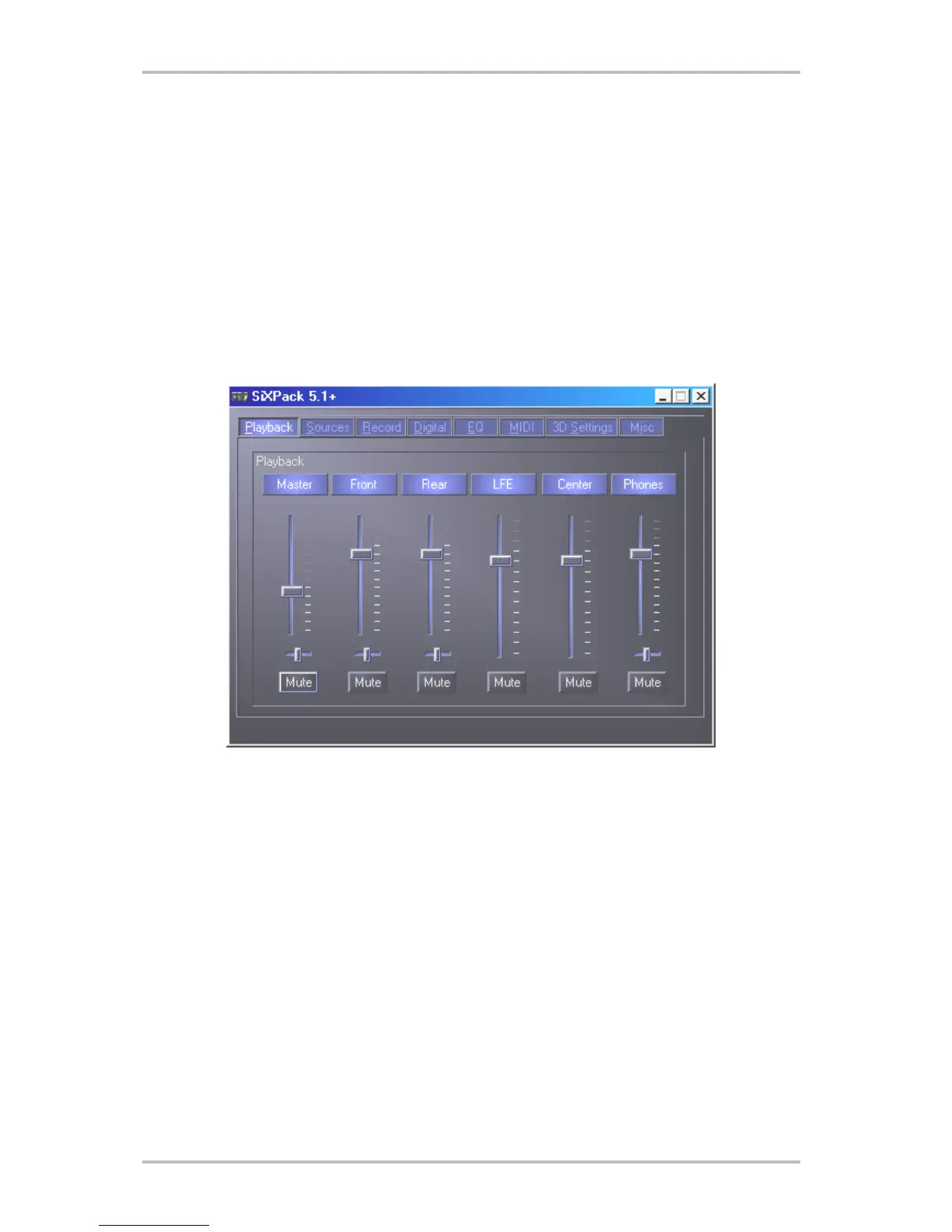
The Playback Window.
Here you can set – who would have thought? – the volume for the various speakers. This is
pretty self-explanatory– the front slider is the one that usually wears out the fastest from being
used so much ;-) and controls the front speakers, etc... All speakers can be muted immediately
by clicking on the MUTE option.



 To Next Page