SoundSystem SiXPack 5.1 + 55
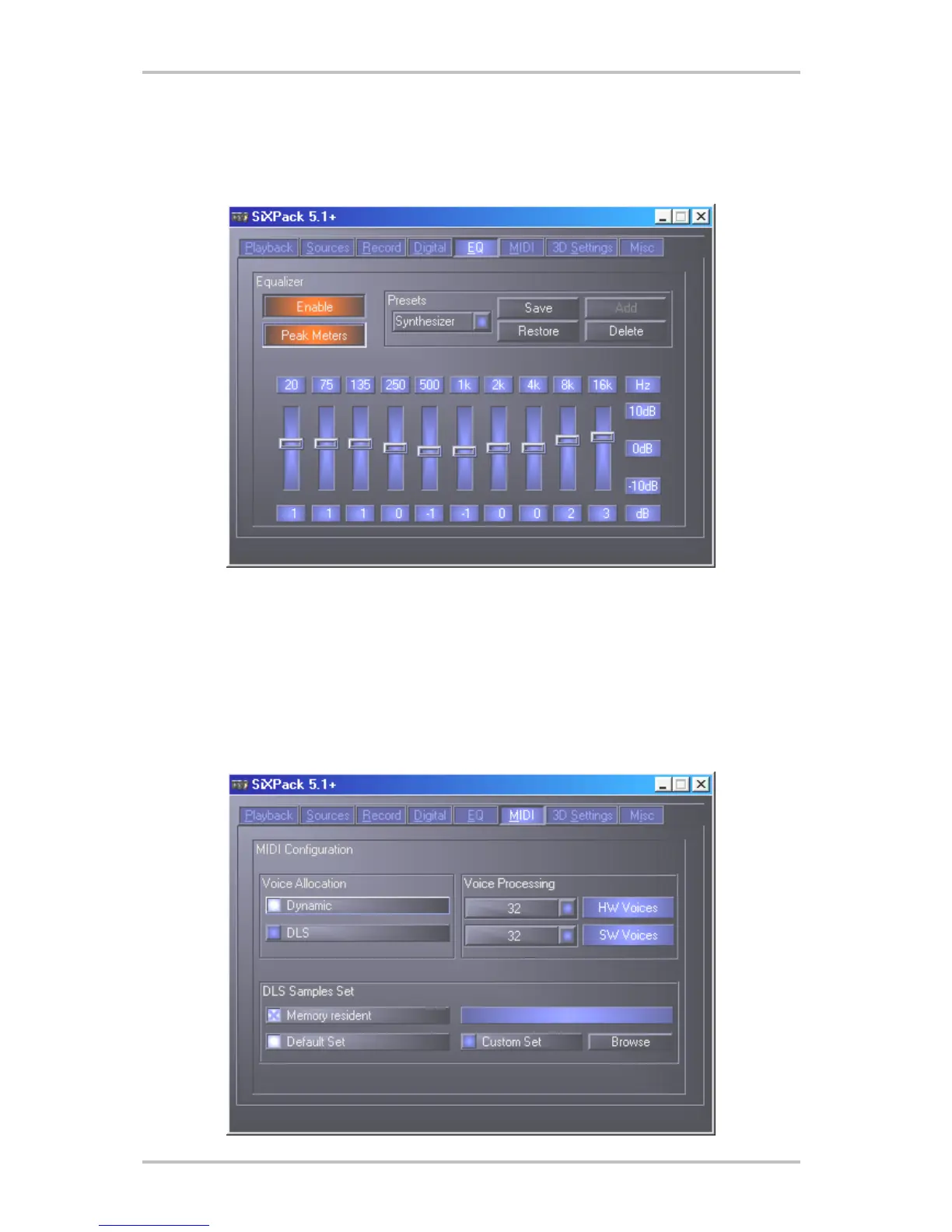
The Equalizer Menu.
In the equalizer window, you can switch the equalizer on and off, load or overwrite predefined
settings or save your own settings.
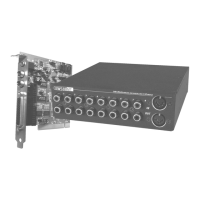
The MIDI Menu.
Under "MIDI" we have organized all the relevant functions for the SiXPack 5.1 + synthesizer.
You can determine the number of voices to be processed in the hardware and/or software and
whether these voices should be allocated dynamically (recommended) or according to the DLS
specification. Furthermore you have the option of loading the sample-set into RAM (recom-
mended) and and you have the possibility to load your own DLS 1.0 compatible sample-sets
instead of the included standard set, but no larger than 8MB!



 To Next Page