24 SoundSystem SiXPack 5.1 +
Installation under Windows 2000.
Once you have installed the SoundSystem SiXPack 5.1 + in your PC, Windows 2000 automati-
cally loads generic drivers for the SiXPack 5.1 +. After this installation is completed start
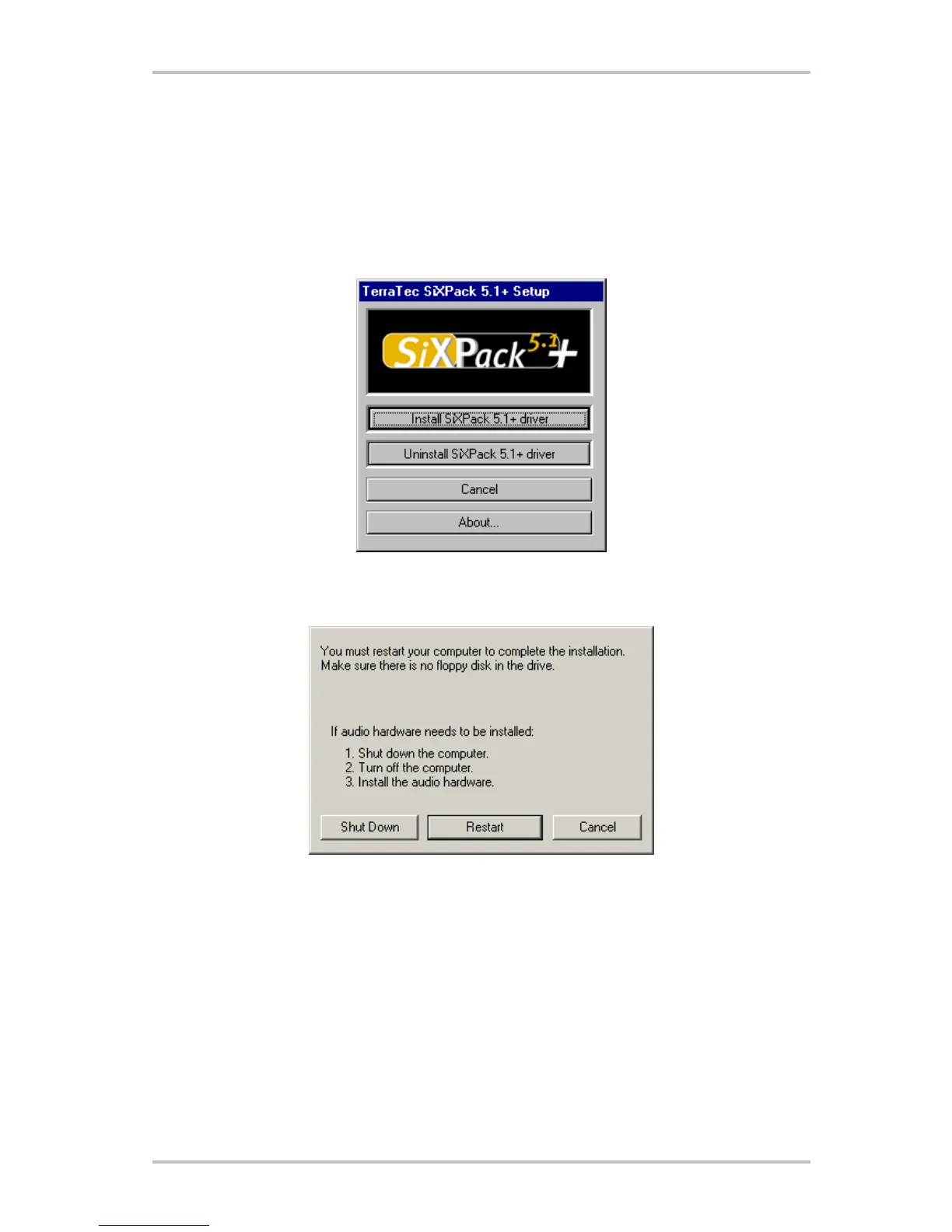
AUTORUN.EXE in the root directory of the SiXPack -CD and choose the menu point "Install
Driver". This will start the setup program.
Select "Install SiXPack 5.1+ driver".
Select "Restart".



 To Next Page