11
5-2 luminous Flux Measurement
1. Determine an appropriate entry sample port from the port adaptor
kit.
2. Press
key to turn on the meter.
3. Position the light source at the sample port. If you are measuring
LEDs and the meter includes a port adaptor, insert the lens into
the aperture as far as it will go. If no adaptor is available, position
the LED at the sample port so the tip of the lens protudes a few
millimeters beyond the outer enclosure of the sphere.
4. Press key to store the dark current flux.
5. Energize the light source and allow ample time for warm-up.
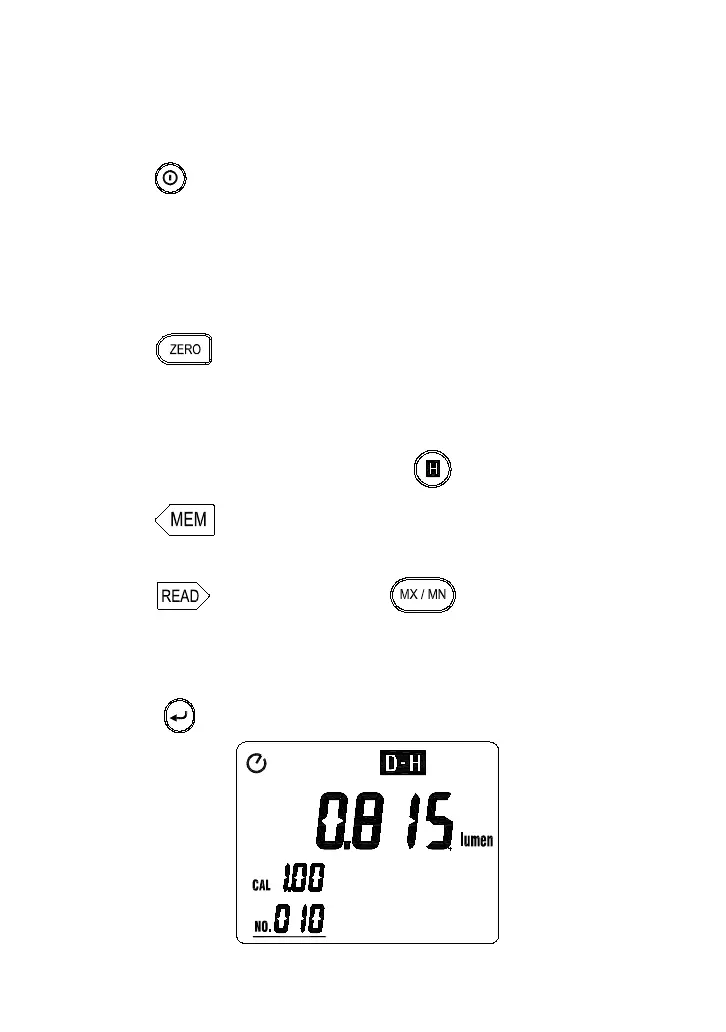
6. Read the luminous flux value from the LCD display.
7. To freeze a measured value, press key.
8. Press key each time will store one measured value into
memory.
9. Press key first then press key to display the
manual memorized data value of Maximum (MAX), Minimum
(MIN) and Average (AVG), if the manual memorized data all are
measured in the same mode.
10. Press key to exit the READ mode.
ZERO



 To Next Page