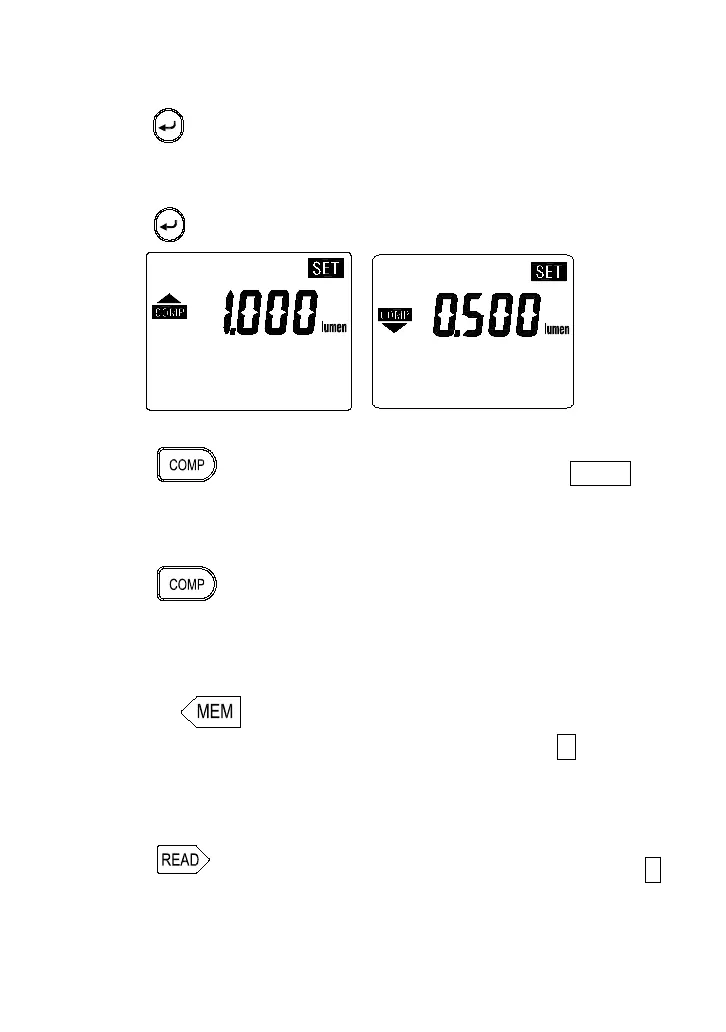
18
3. Press
⊳
keys to select the desired decimal point position.
4. Press
keys to set the desired High limit value.
5. Press
key to enter the comparator Low limit value setting mode.
6. Press
⊳
keys to select the desired decimal point position.
7. Press
keys to set the desired Low limit value.
8. Press key to exit this mode.
B. Comparatar Operation
1. Press key to enter the comparator mode, the “ COMP ”
annunciator is displayed.
2. If measurement value exceeds the setting value, the “
” or “
”
annunciator will be displayed and the beeper will sound.
3. Press key again to exit this mode.
5-11 Manual Data Memory and Read Mode
A. To Memorize the reading
Pressing key each time will store one set of reading into
the memory. At this moment, LCD will show the " M " mark one
time and the memory address number. Total memory size is 999
sets.
B. To Recall and Read Manual memorized reading
1. Press
key to enter the READ mode, the LCD will show " R "
mark and the memory address number.
2. Press " " or " " key to select the desired memory address
number data for display.



 To Next Page