14
B. Use the setting value as the reference value.
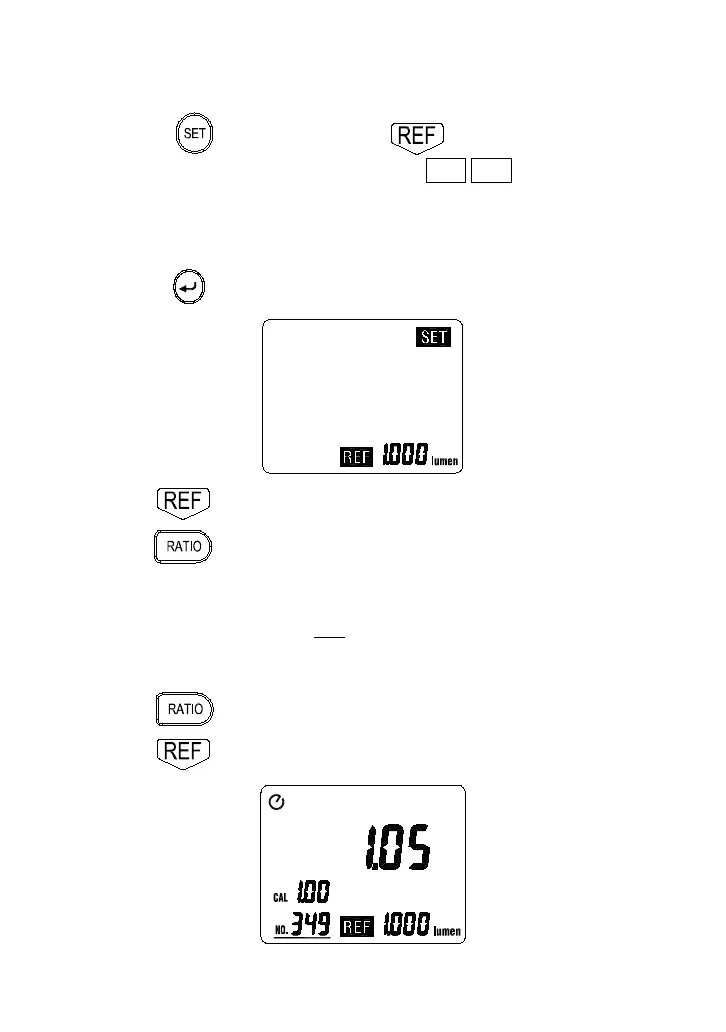
1.Setting the reference value.
a. Press
key first then press key to enter the
reference value setting mode, the “ SET REF ” annunciator and
the previous reference value are displayed.
b. Press
⊳
keys to select the desired decimal point position.
c. Press
keys to set the desired reference value.
d. Press key stored the value and exit this mode.
2. Press key to display the reference value.
3. Press key to enter the RATIO mode, the “RATIO”
annunciator is displayed. All measurements are now displayed as
the ratio of the current measurement to the reference value, the
LCD will read : RATIO =
φ
in
REF
(0<
φ
in
<OL, 0<
φ
REF
<OL)
Where
φ
RATIO
is the reference value.
4. Press key again to exit the RATIO mode.
5. Press key again the reference value is disappeared.
RATIO



 To Next Page