15
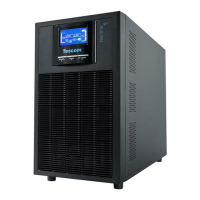
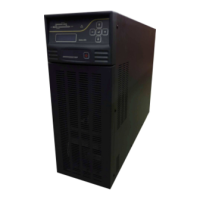
Display Panel
The following table describes the function of the button switches of the front panel.
Button Function
ON/OFF-Button
This button has two functions: -Turning on the UPS system:
By pressing this button the UPS system turns on. -Shut off the UPS system:
When mains power is normal, the UPS System switches to
Bypass mode by pressing OFF button , and the inverter is off.
Select Button
if the ups system is in bypass mode or self-test mode, the output ,
frequency could be selected by pressing Select button, and confirmed
by pressing Enter button.
Enter Button
if the ups system is in bypass mode or self-test mode, the output ,
frequency could be selected by pressing Select button, and confirmed
by pressing Enter button.
Display Function









 To Next Page