TI3500 GPU-24
19
3
Operating Procedures
3.11 – Regulated AC Power
Plugging in with AC Power
When the TI3500 GPU-24 is plugged into ac power, the output is 28.5 volts. This voltage allows the system to
recondition and recharge the vehicle’s battery(ies). It is also an optimum voltage for powering avionics and
lighting on most aircraft. The GPU’s ac to dc converter produces continuous amps of dc power depending
on the size of the system.
Connect AC Power Cord To Unit
CAUTION
!
Check Input Voltage Selector Switch for proper setting. Do not plug unit into
220 Vac when Input Voltage Selector Switch is set on 115 Vac.
Ensure 120 or 240 Vac power cord is properly connected to an approved ac power supply. After approximately
5-8 seconds, unit’s LED status indicator will illuminate indicating power cell state of charge. Cooling fan will
operate. Ensure LED status indicator and cooling fan is operational prior to continuing.
Charging Unit
Plug the unit into a wall socket to charge the batteries. Until the unit is fully charged, the LED status will read
half or no charge. Under a full charge the LED indicator should show a single steady green bar. The fan will
run at reduced speed. This is normal operation indicating the unit is in standby mode and is ready for use.
If the GPU’s cells need to be replaced.
After 115 minutes of ac power input the unit should be fully charged. If the “Push to Test” button is pressed
and the unit still indicates it is not fully charged then the cells should be replaced.
Figure 3.11.3 Connecting TI3500 GPU-24 to AC Power Supply
(shown with modied Universal AC Input Receptacle)
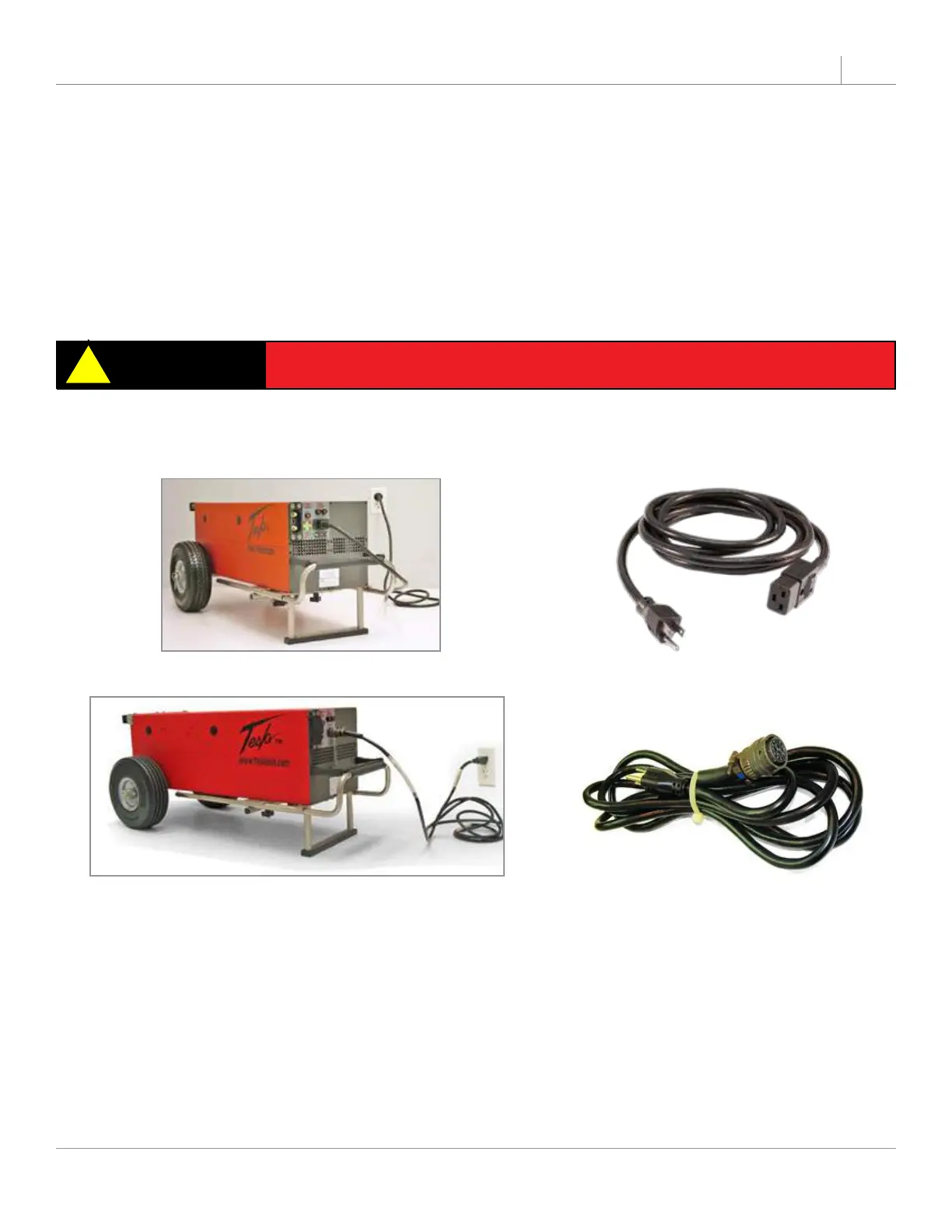
Figure 3.11.1 Connecting TI3500 GPU-24 to AC Power Supply Figure 3.11.2 AC North American Line Cord
Figure 3.11.4 Universal AC Line Cord


 To Next Page