TI3500 GPU-24
22
Section 5 – Unit Care and Maintenance
5.1 - Unit Care
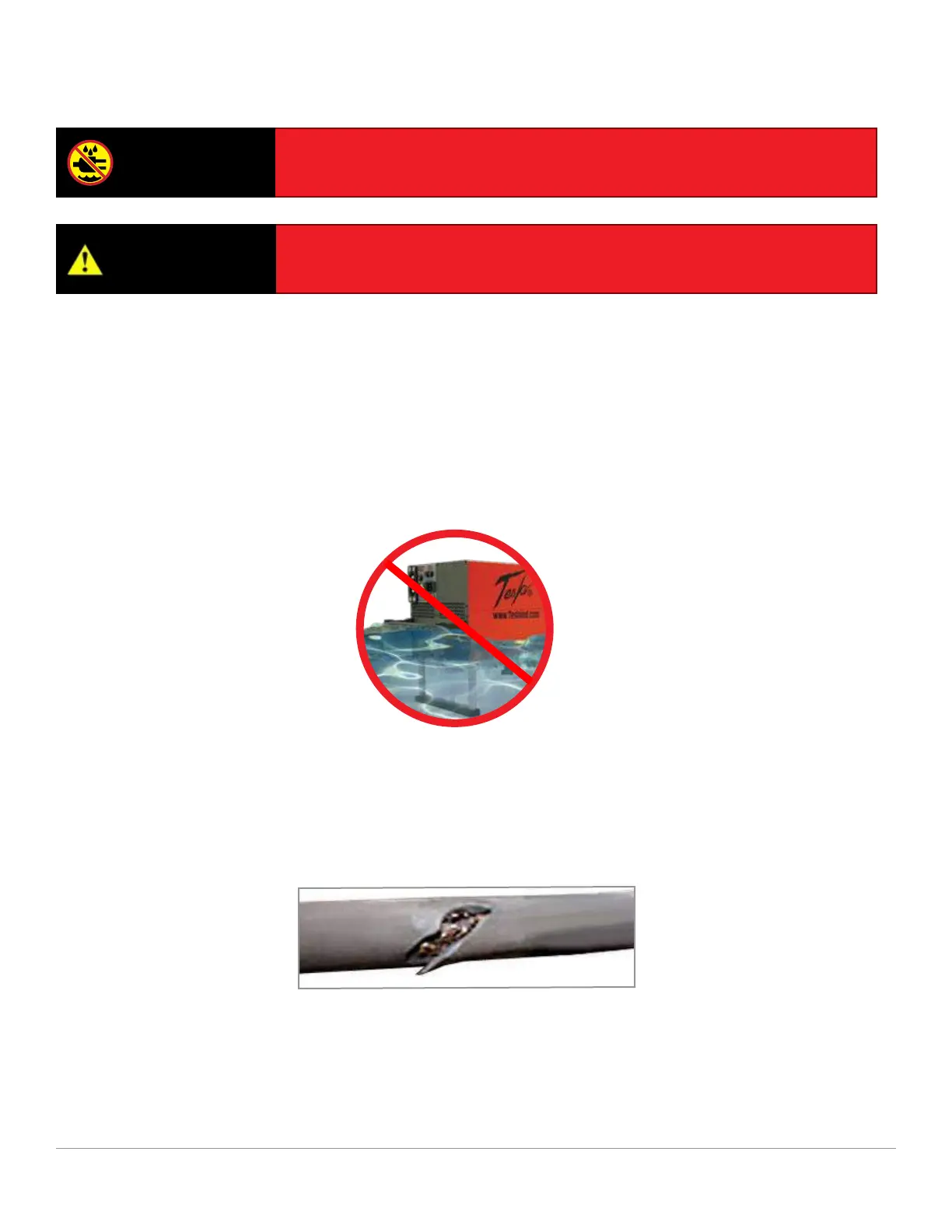
Avoid Prolonged Exposure to Extremely Damp Environments
Be sure to disconnect ac power from the ac source if the TI3500 GPU-24 has come into contact with water.
If the AC Input Circuit Breaker has tripped due to water inltration, allow the unit to dry out before attempting
to reset circuit breaker. Cover the unit to prevent water inltration. If the unit is operated in extremely damp
conditions, it should be stored in an environmentally controlled building when not in use. Wipe unit clean
periodically with a soft cloth to remove dust, dirt, etc.
WARNING
Severe injury or death from electrical shock will occur if either the user or
the unit is wet while operating the unit with an ac power source attached.
CAUTION
Damage may occur if an unapproved or modied ac line cable or input
plug is attached to the GPU. Do not use any type of ac voltage converter.
Protect Cables from Damage
Do not cut, crush, or drag the input or output power cables when handling the TI3500 GPU-24. Always
inspect cables prior to use. If no damage is evident, proceed to the next step. If damage is evident, contact
Tesla™ Customer Service. Do not attempt to use any other type of power cables other than the Tesla™
cables included with the TI3500 GPU-24.
Figure 5.1.1 – Damaged cable


 To Next Page