4 First steps
13
4.2. Inserting batteries
In order to reach the battery life under application
temperatures below -10 °C you should use
Energizer L92 AAA-size cells.
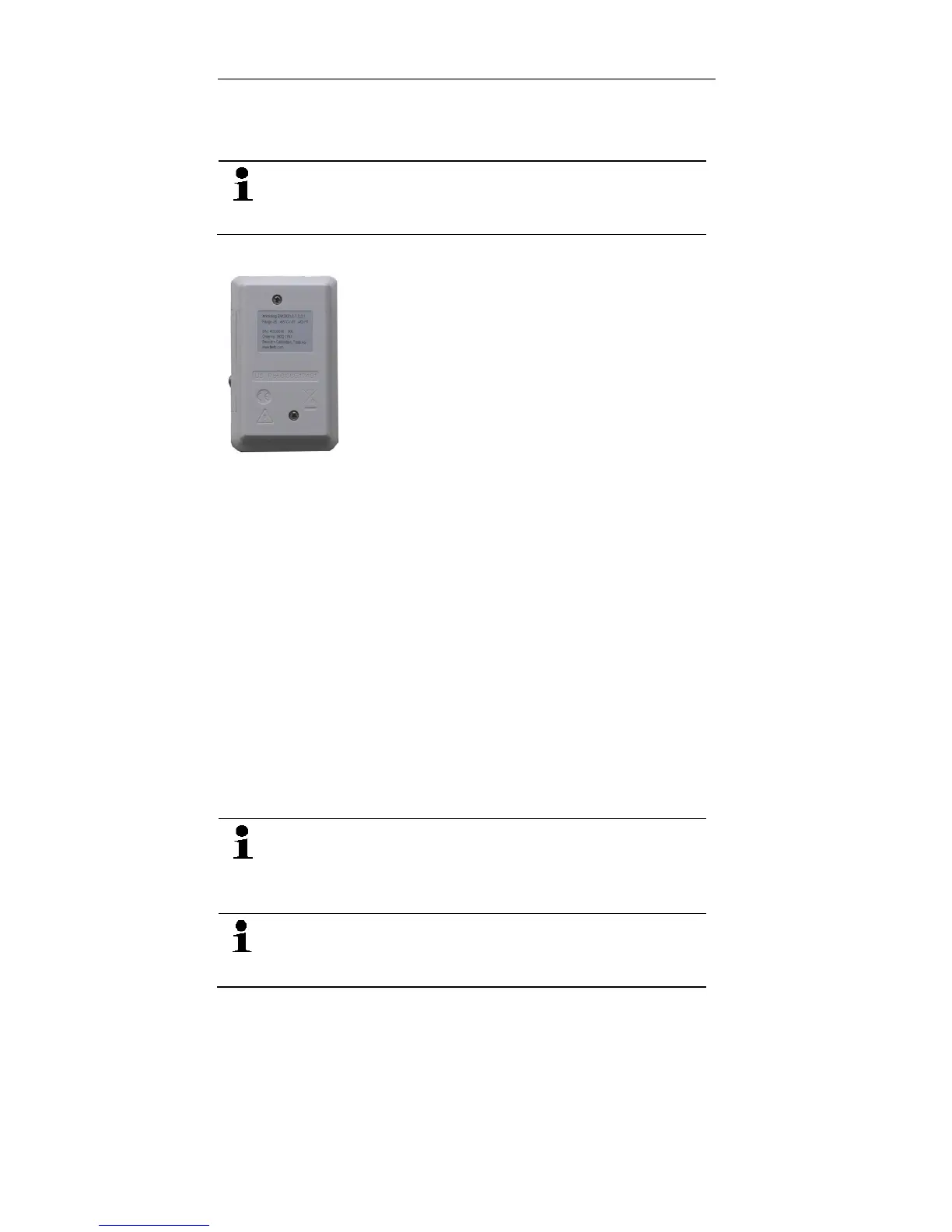
1. Place the data logger on its front.
2. Loosen the screws on the back of the data logger.
3. Remove the battery compartment cover.
4. Insert the batteries (type AAA). Observe the polarity!
5. Place the battery compartment cover on the battery
compartment.
6. Tighten the screws.
- The display shows rST.
4.3. Connecting the data logger to
PC
For testo Comfort Software Basic 5:
The software is available in the Internet as a free download
requiring registration: www.testo.com/download-center.
The instructions for the installation and operation
of the software can be found in the testo Comfort
Software Basic 5 instruction manual, which can be
downloaded together with the software.
The software can be ordered on CD (article-no:
0572 0580), if the download from the Internet is
not desired.
For testo Comfort Software Professional und testo Comfort
Software CFR:
> Insert the CD into the CD-ROM drive.
1. Install the software testo Comfort Software.
2. Connect the USB cable to a free USB port on the PC.
3. Loosen the screw on the right side of the data logger.
Shop for Data Logging products online at: www.DataLoggerSto re.com 1.888.610.7664



 To Next Page