5 Display and control elements
14
4. Open the cover.
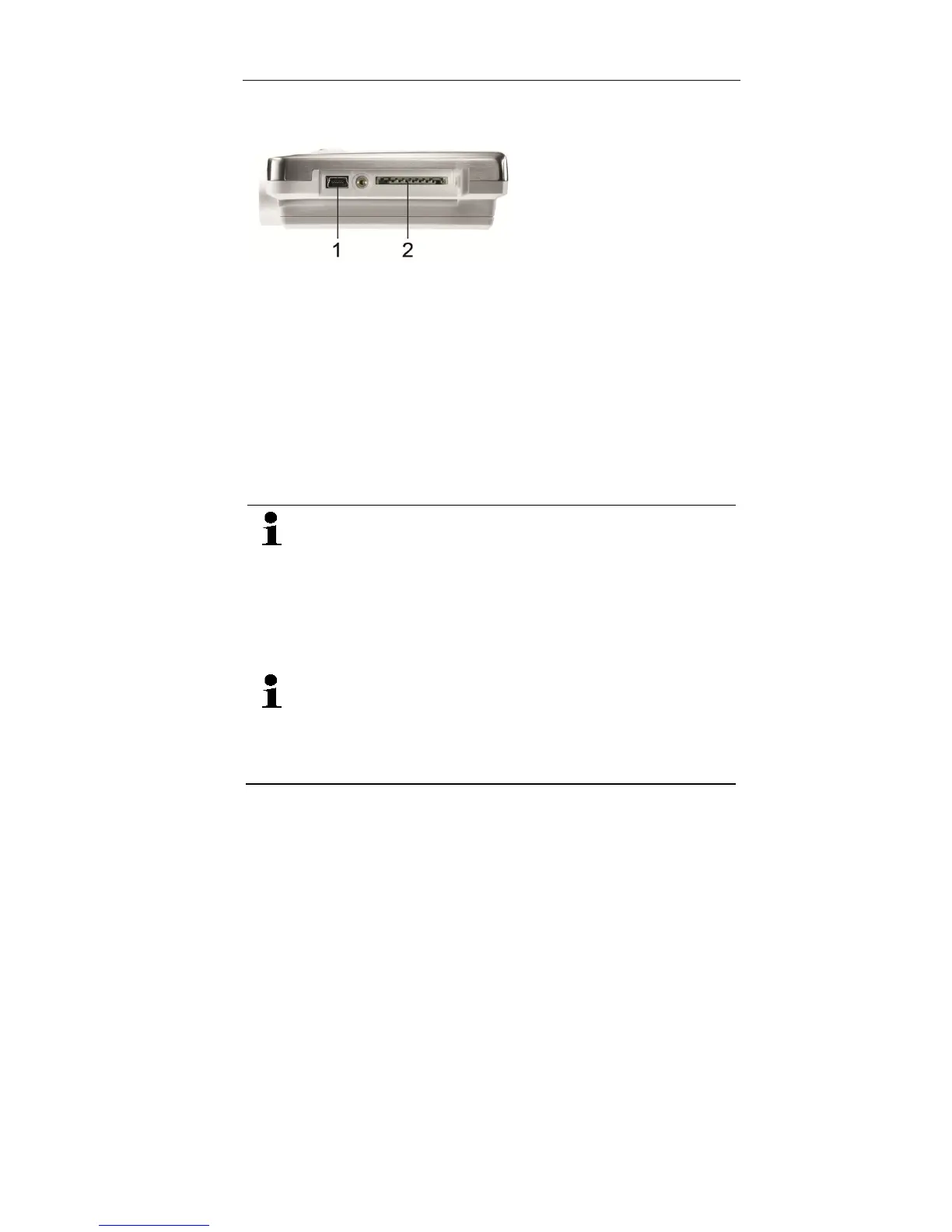
5. Plug the USB cable into the Mini USB port (1).
6. Configure the data logger, see separate operating
instructions testo Comfort Software.
5 Display and control
elements
5.1. Display
The display function can be switched on/off via the
software testo Comfort Software.
Depending on the operating status, various
information may be shown in the display. A
detailed representation of the information that can
be called up can be found under Menu overview
page 20.
For technical reasons the display speed of liquid
crystal displays becomes slower at temperatures
below 0 °C (approx. 2 seconds at -10 °C, approx.
6 seconds at -20 °C). This has no influence on the
measuring accuracy.
Shop for Data Logging products online at: www.DataLoggerSto re.com 1.888.610.7664



 To Next Page