7 Maintaining the product
26
> Change the batteries and read out the stored
measurement data after.
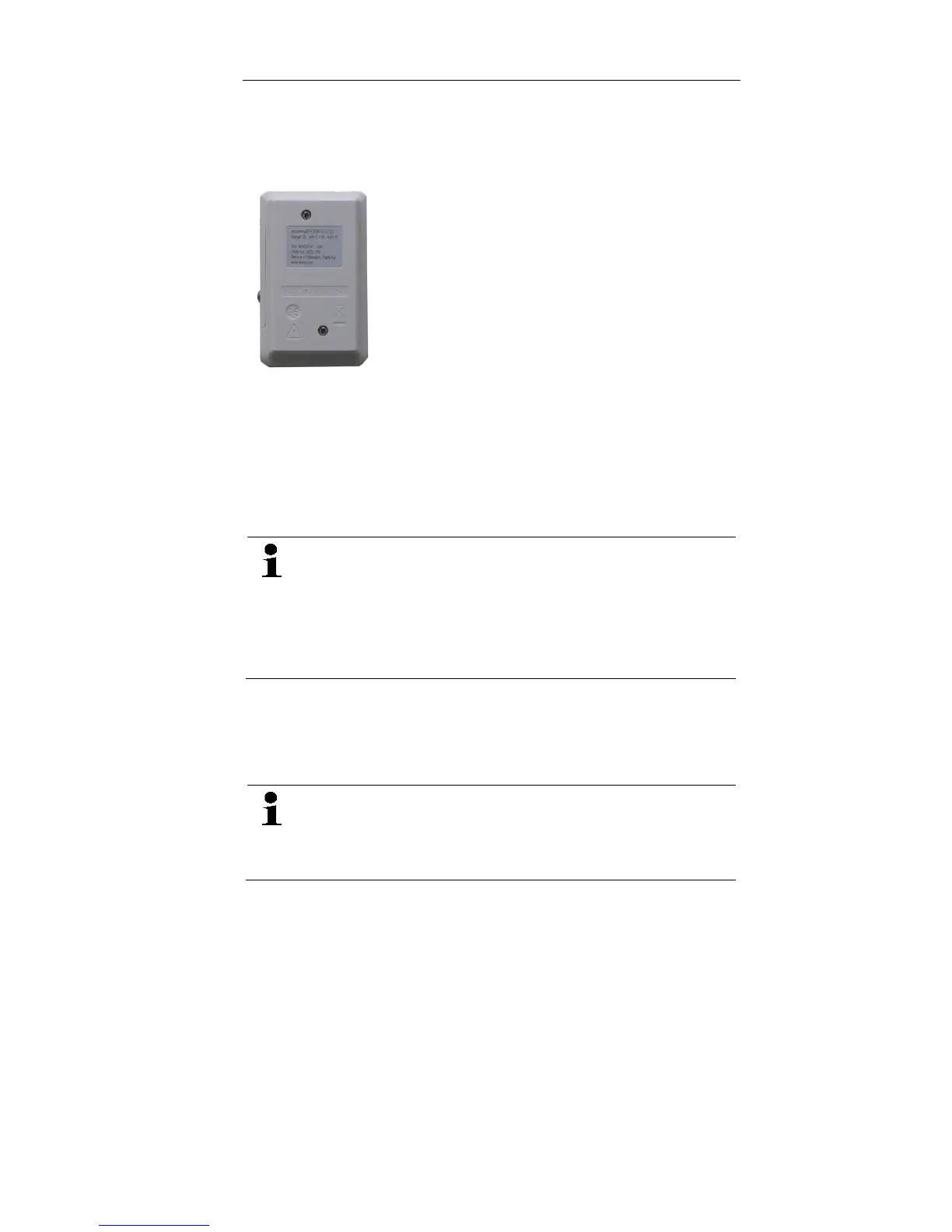
2. Place the data logger on its front.
3. Loosen the screws on the back of the data logger.
4. Remove the battery compartment cover.
5. Take the empty batteries out of the battery
compartment.
6. Insert three new batteries (type AAA). Observe the
polarity!
Only use new branded batteries. If a partially
exhausted battery is inserted, the calculation of the
battery capacity will not be performed correctly.
In order to reach the battery life under application
temperatures below -10 °C you should use
Energizer L92 AAA-size cells.
7. Place the battery compartment cover on the battery
compartment.
8. Tighten the screws.
- The display shows rST.
The data logger needs to be reconfigured. For this
purpose the software testo Comfort Software must
be installed on the computer and a connection to
the data logger must be set up.
9. Connect the data logger to the PC with a USB cable.
10. Start the software testo Comfort Software and set up a
connection to the data logger.
11. Reconfigure the data logger or load the old, saved
configuration, see separate operating instructions testo
Comfort Software.
- The data logger is once again ready for use.
Shop for Data Logging products online at: www.DataLog gerStore.com 1.888.610.7664



 To Next Page