7 Using the product
12
7
Parameter 2 selected unit
/
key
Implementing settings
Selecting, opening and setting functions
Press the relevant key to select the functions
Secondary assignment (long press)
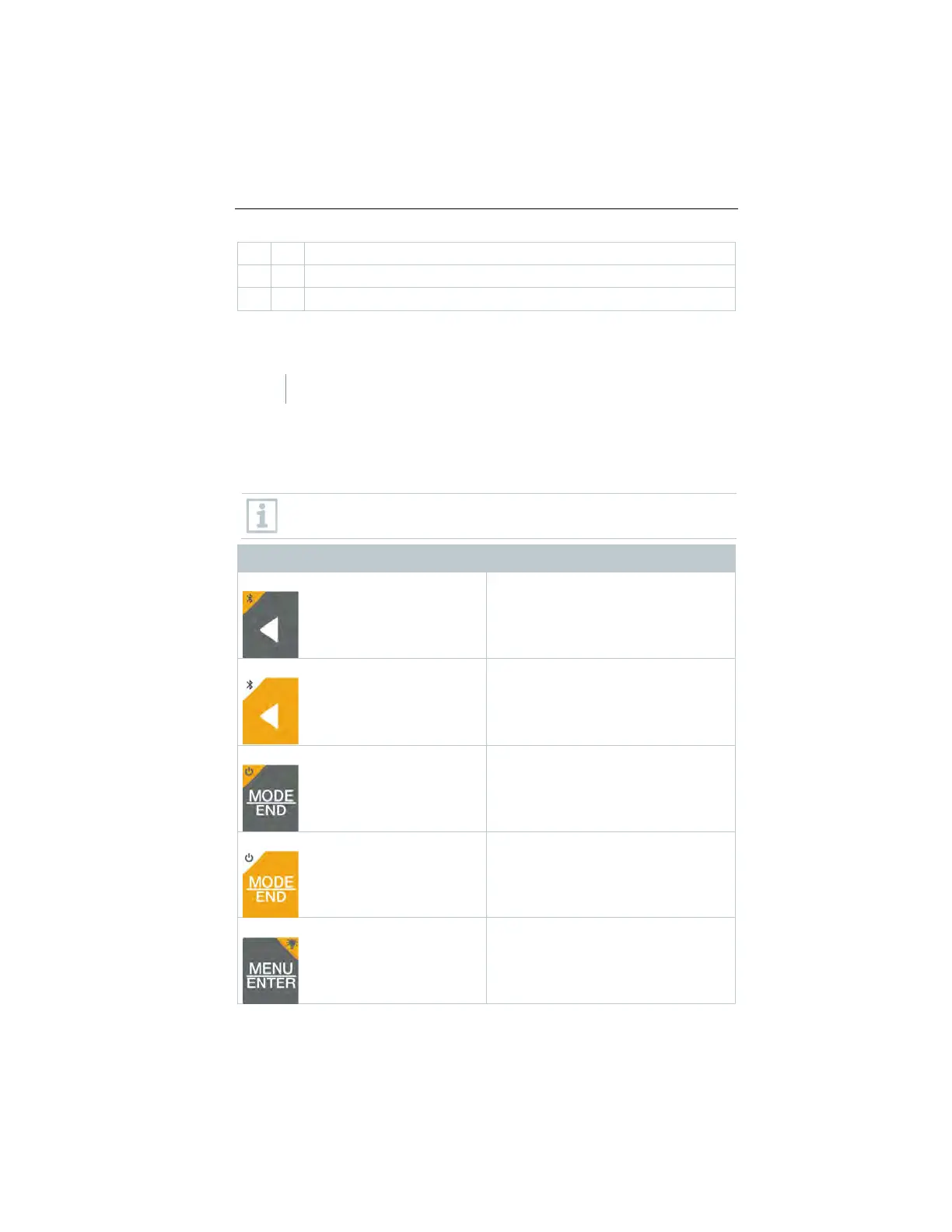
All keys with a grey corner have a secondary assignment, which can be
selected by pressing and holding the key for a longer time (2 sec).
Adjustable functions
Ensure correct settings: all settings are transferred immediately. There
is no Cancel function.
Function Setting options/comments
®
®
or off
Freeze reading (HOLD function),
display maximum/minimum value.
In configuration mode:
Decrease value, select option
Switches the instrument on or off
Select or end multi-point or continuous
mean calculation.
Display illumination (long press)
OFF (display illumination not active) or
ON (display illumination active)
1.888.610.7664 sales@GlobalTestSupply.com
www.Testo-Direc t.com



 To Next Page