7 Using the product
18
Printing data
A testo Bluetooth
®
/IRDA printer (order no. 0554 0621) is connected
via Bluetooth and switched on.
When first setting up a connection between the testo measuring
instrument and the testo Bluetooth
®
/IRDA printer, the initialization
phase can last up to 30 seconds.
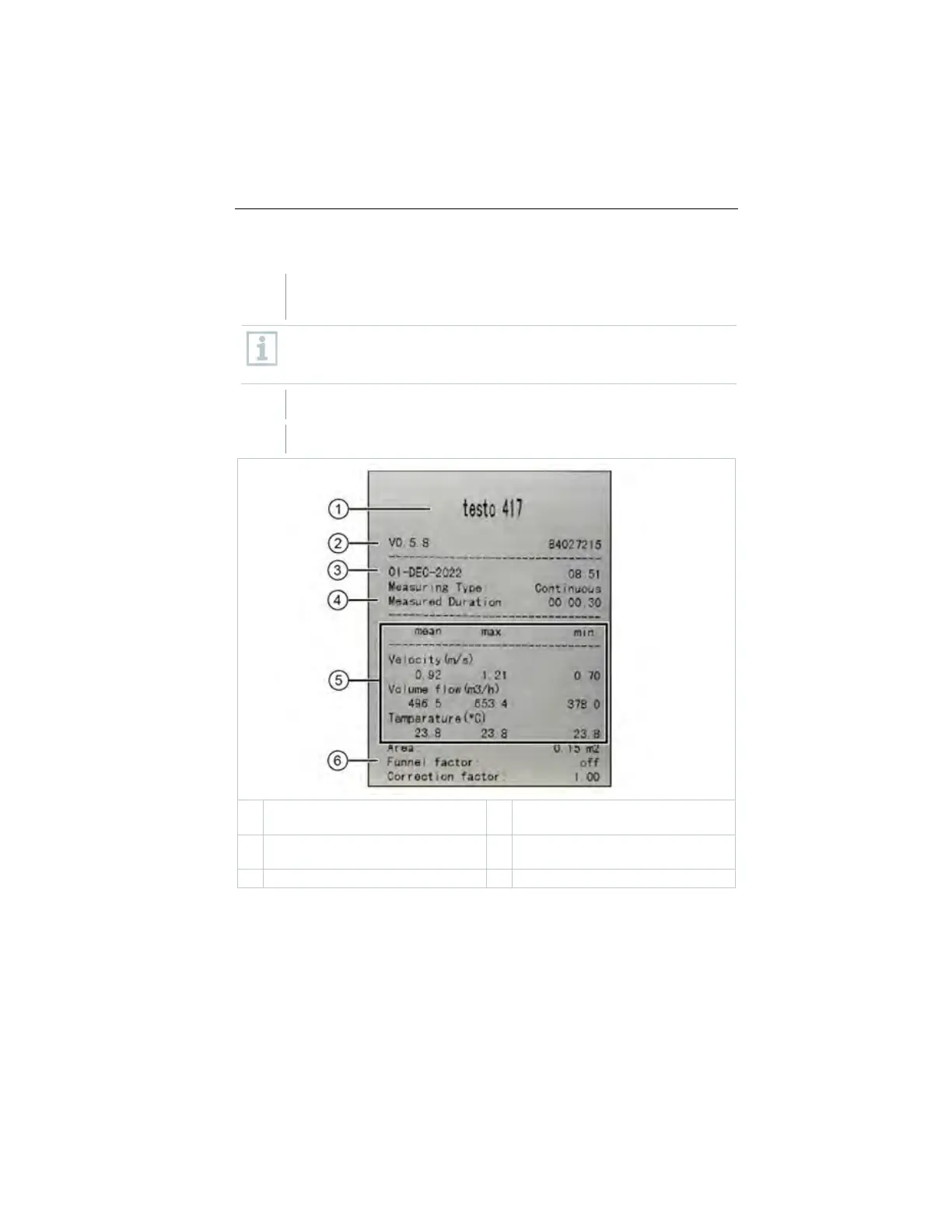
Press and hold ► to transfer the data to the printer.
Data is printed out (LED on the printer lights up green).
Firmware version and serial
number
Date and time of printout
Measuring type and measured
duration
1.888.610.7664 sales@GlobalTestSupply.com
www.Testo-Direc t.com



 To Next Page