7 Using the product
15
Carrying out a reset of the measuring
instrument
Configuration mode is open, “RESET” is displayed.
Press ◄ / ► to select the required option and confirm with
MENU/ENTER:
o NO: Do not carry out reset.
o YES: Carry out reset. The instrument is reset to the factory
The instrument returns to measurement view.
Measuring
The instrument is switched on and is in the measurement view.
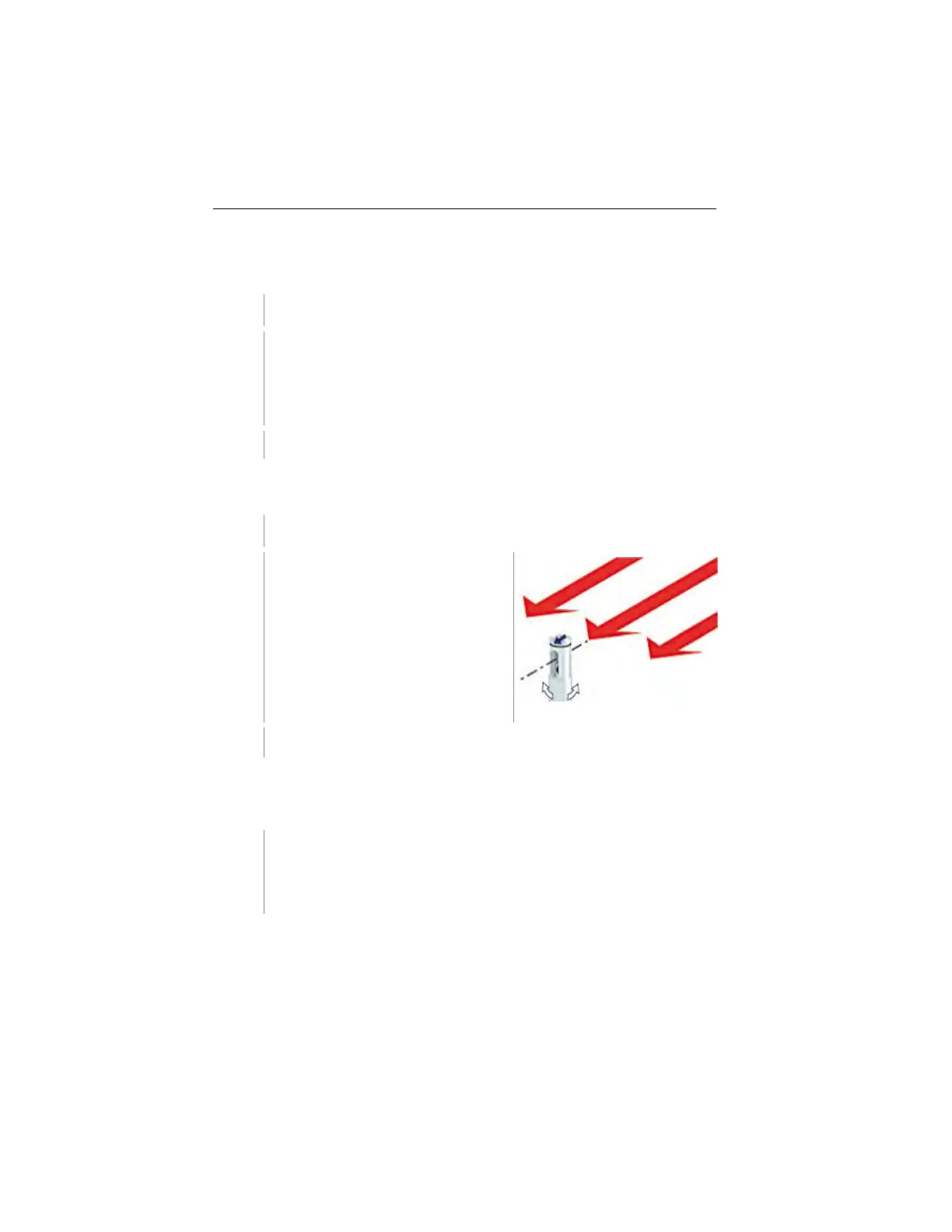
The arrow mark on the probe head
must point in the direction of flow.
The correct measurement value is
determined by rotating the probe
slightly in both directions until the
maximum value is displayed.
Read the measured values on the display.
Changing the measurement channel
display
- Switch between the display of temperature (°C, °F) and calculated
volume flow (m3/h, l/s, cfm):
Press ► .
1.888.610.7664 sales@GlobalTestSupply.com
www.Testo-Direc t.com



 To Next Page