11 Tips and assistance
34
Feature Value
Instrument: 171 x 60 x 28 mm
Probe: 180 x Ø12 mm
Tips and assistance
Questions and answers
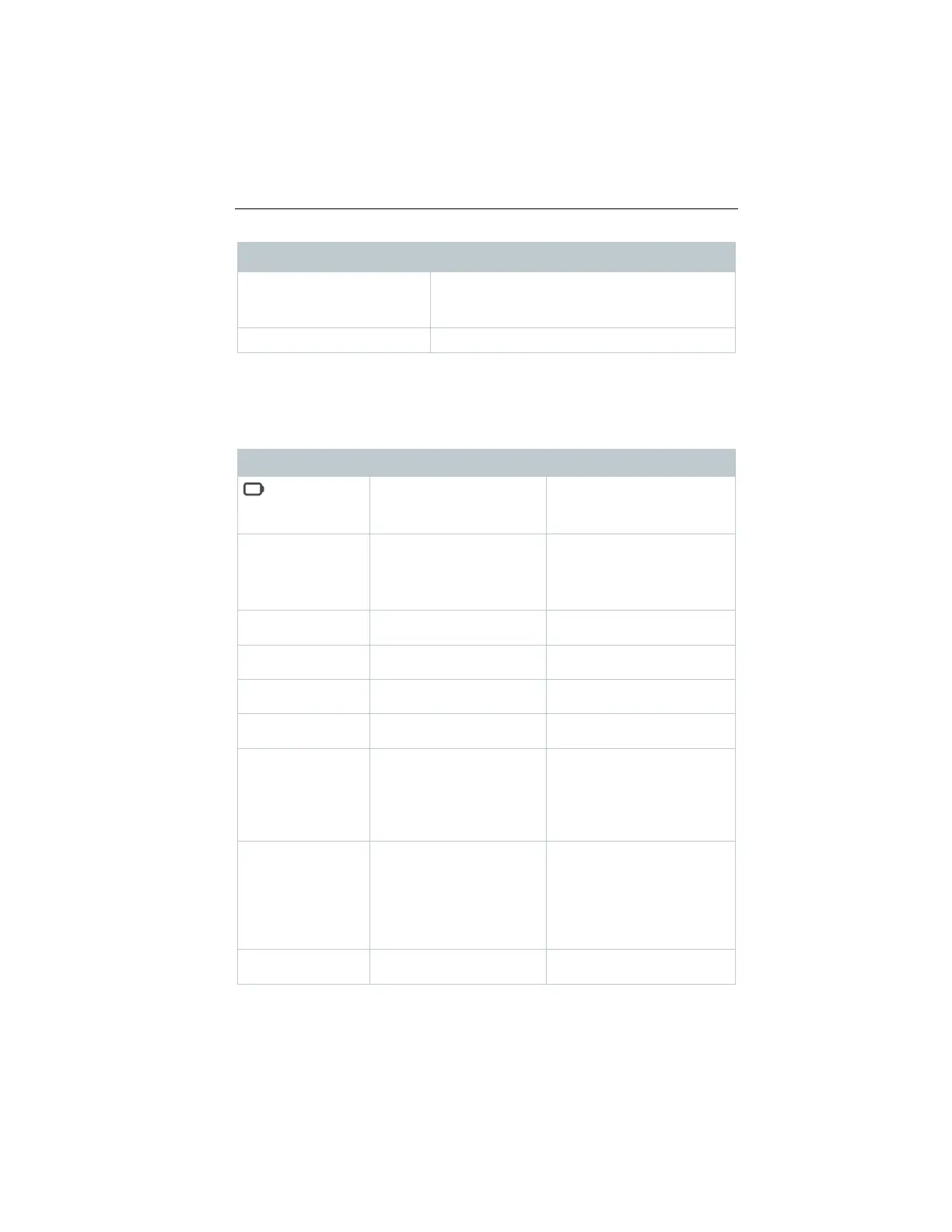
Question Possible cause Possible solution
is displayed
(top right on the
almost spent
Replace instrument battery
switches itself off
switched on
Remaining battery
capacity is insufficient
function
Change the battery.
Display responds
sluggishly
Ambient temperature is
very low
Increase ambient
temperature
Please contact your dealer
or Customer Service.
Permissible measuring
range has been exceeded
Keep within the permissible
measuring range
Permissible measuring
range has been undershot
Keep within the permissible
measuring range
could not be established
connections.
Restart measuring
instrument, restart testo
Smart App.
performed successfully
connections, switch off
and then on again if
necessary.
• Switch printer off and then
on again.
Please contact your dealer
or Customer Service.
1.888.610.7664 sales@GlobalTestSupply.com
www.Testo-Direc t.com



 To Next Page