9 Maintaining the product
32
After the update the measuring instrument is restarting.
The firmware can be checked in the instrument menu or via the app.
A restart of the testo Smart App is recommended after the instrument
update.
Maintaining the product
c
Inserting / changing batteries
WARNUNG
Serious risk of injury to the user and/or destruction of the instrument.
There is a risk of explosion if the batteries are replaced with ones that
are the wrong type.
- Only use non-rechargeable alkaline batteries.
The instrument is switched off.
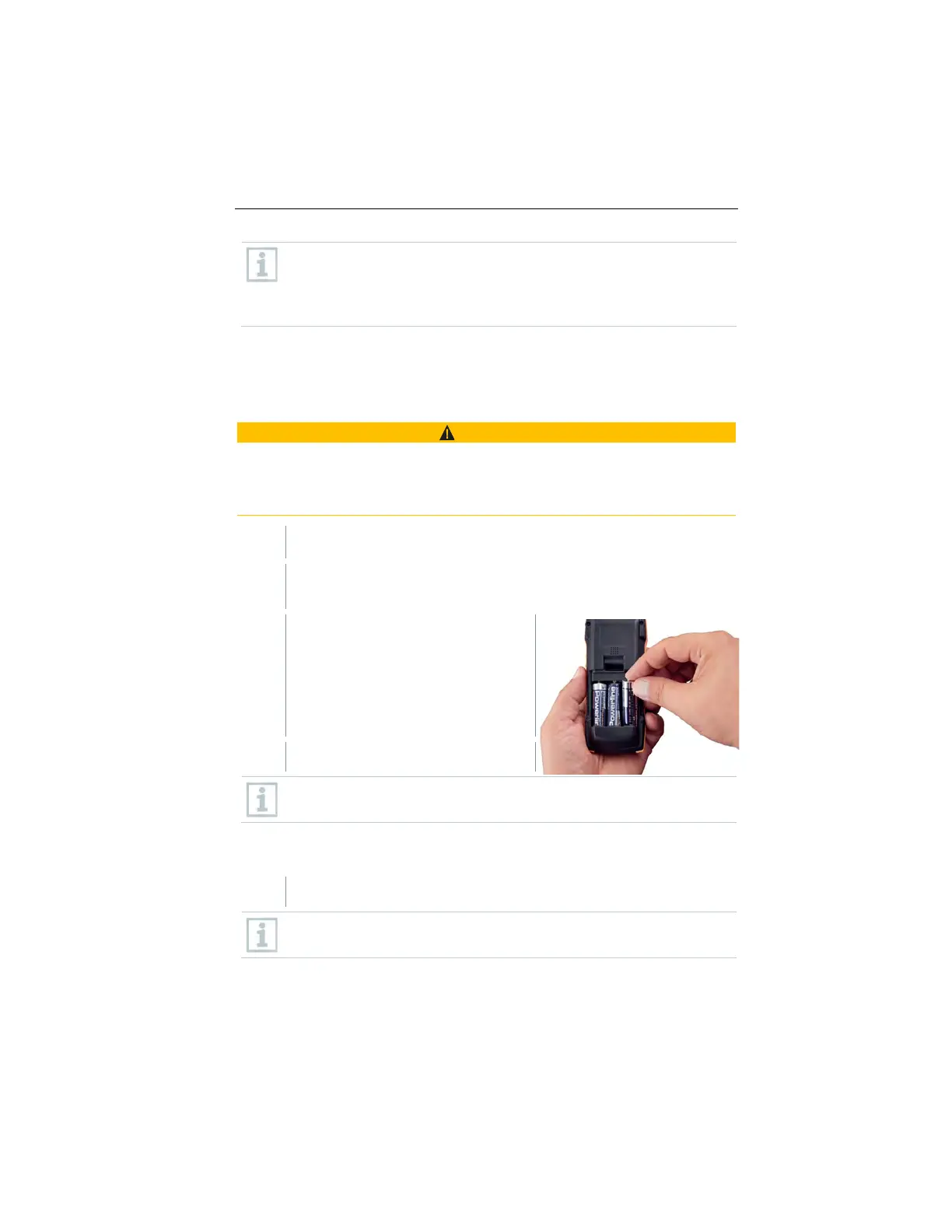
Open the battery compartment (on the back of the instrument) via the
snap lock.
Insert or replace batteries (3 x AA
alkaline batteries).
Observe the polarity!
Close the battery compartment.
When not in use for a long period: Take out the batteries.
Cleaning the instrument
If the housing of the instrument is dirty, clean it with a damp cloth.
Do not use any aggressive cleaning agents or solvents! Mild household
cleaning agents and soap suds may be used.
1.888.610.7664 sales@GlobalTestSupply.com
www.Testo-Direc t.com



 To Next Page