8 Controls via testo Smart App
25
Configuring the measuring instrument
menu
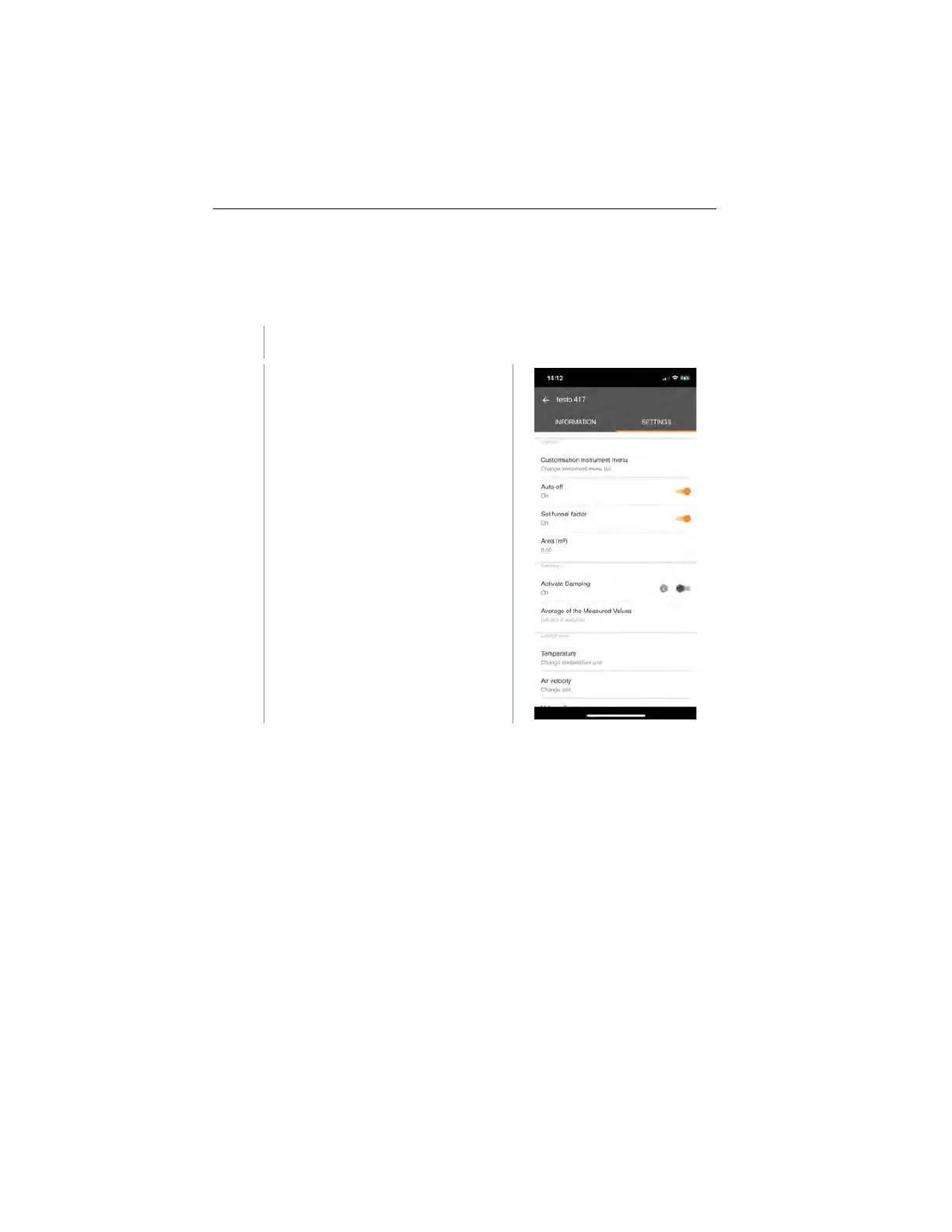
The testo Smart App can be used to set which settings menus should be
available or hidden on the measuring instrument itself.
The Settings tab in the Sensors menu is open.
Activate Customization instrument
menu and click on the blue text
Change instrument menu list
under the settings heading.
The Customization instrument
menu dialogue opens.
On the measuring instrument, the
following menus can be displayed or
hidden:
o Setting the unit
o Area
o Funnel factor
(testo 417 only)
1.888.610.7664 sales@GlobalTestSupply.com
www.Testo-Direc t.com



 To Next Page