6 Using the product
54
Bluetooth (only testo 885-2)
This function is not available in all countries.
Via the Bluetooth radio interface, a link to a Bluetooth headset can
be established for voice recording. Follow the instruction manual for
the Bluetooth headset.
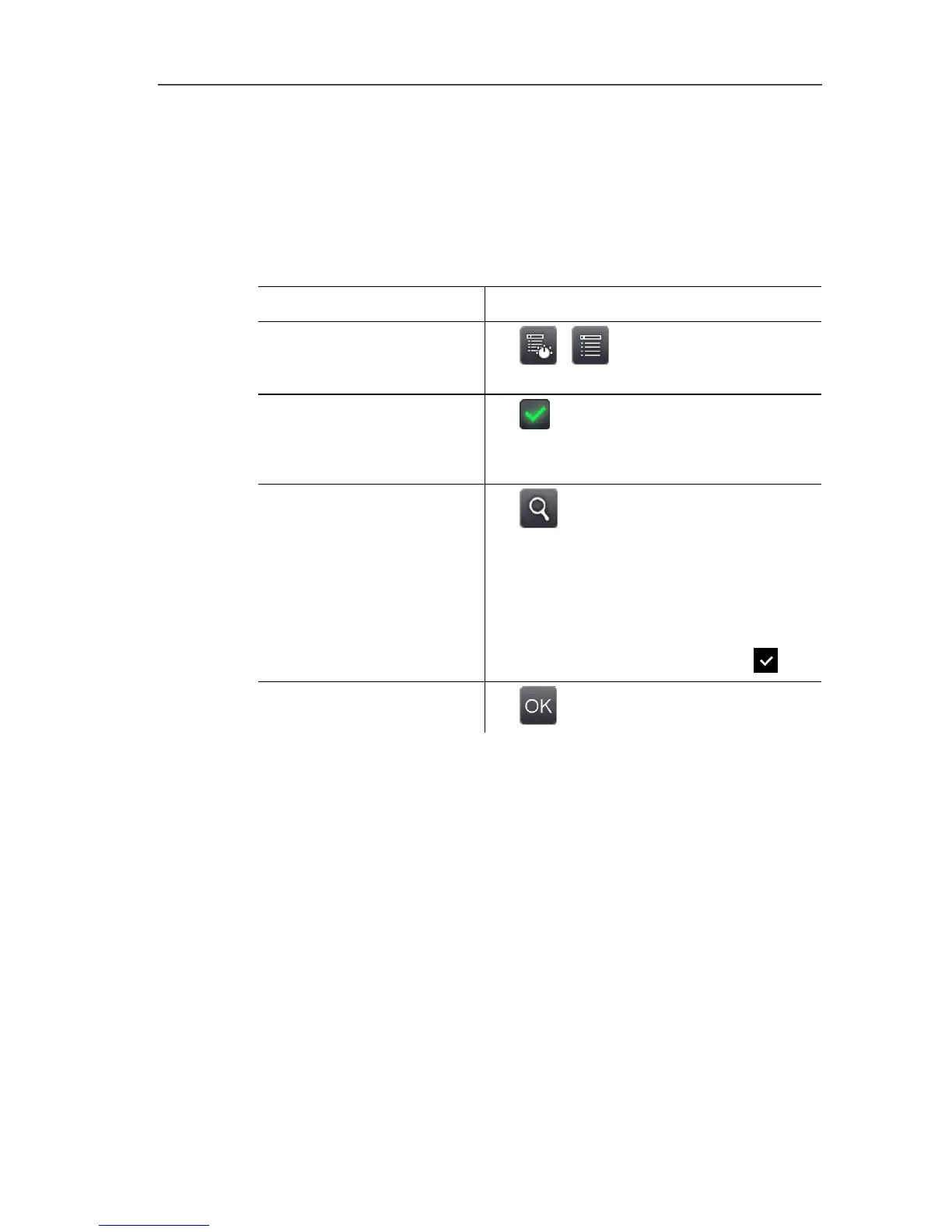
Task Actions/description
Open Bluetooth input
screen.
> | | Configuration |
Bluetooth.
De-/activate Bluetooth
radio link.
> Active.
> To deactivate, touch the button
again.
Search for Bluetooth
devices and establish link.
1. .
- A search is carried out for Bluetooth
devices (with enabled pairing mode)
and available devices are
displayed.
2. Establish link to Bluetooth device:
select device by touching it ( ).
Apply entries.
> .
Radio (only testo 885-2)
This function is not available in all countries.
A radio humidity probe can be logged onto the instrument.
Every radio probe has a probe identification number (RFID). This is
made up of the three-digit RFID number on the probe and the
position of the switch in the battery compartment of the radio probe
(H or L). To be logged on at the instrument, the radio probe must
be switched on and the transfer rate must be set to 0.5 s. This is
done by briefly pressing the on/off button when switching on (also
see instructions for use of radio probe).
If no radio probe is found, this may be because of the following:
• The radio probe is not switched on or the radio probe battery is
dead.
• The radio probe is outside the radio range.
• Sources of interference influence radio transmission (e.g.
reinforced concrete, metal objects, walls or other barriers



 To Next Page