12 / 19
Displayed function
"i" (Key) "M"
Information Menu Program Menu
Water meter
For quantity dependent analysis triggering it is necessary to connect a water meter to the IN2 input.
Program the corresponding water meter rating under menu item "WATER METER", or enter the impulse number of the
turbine water meter.
Interfaces
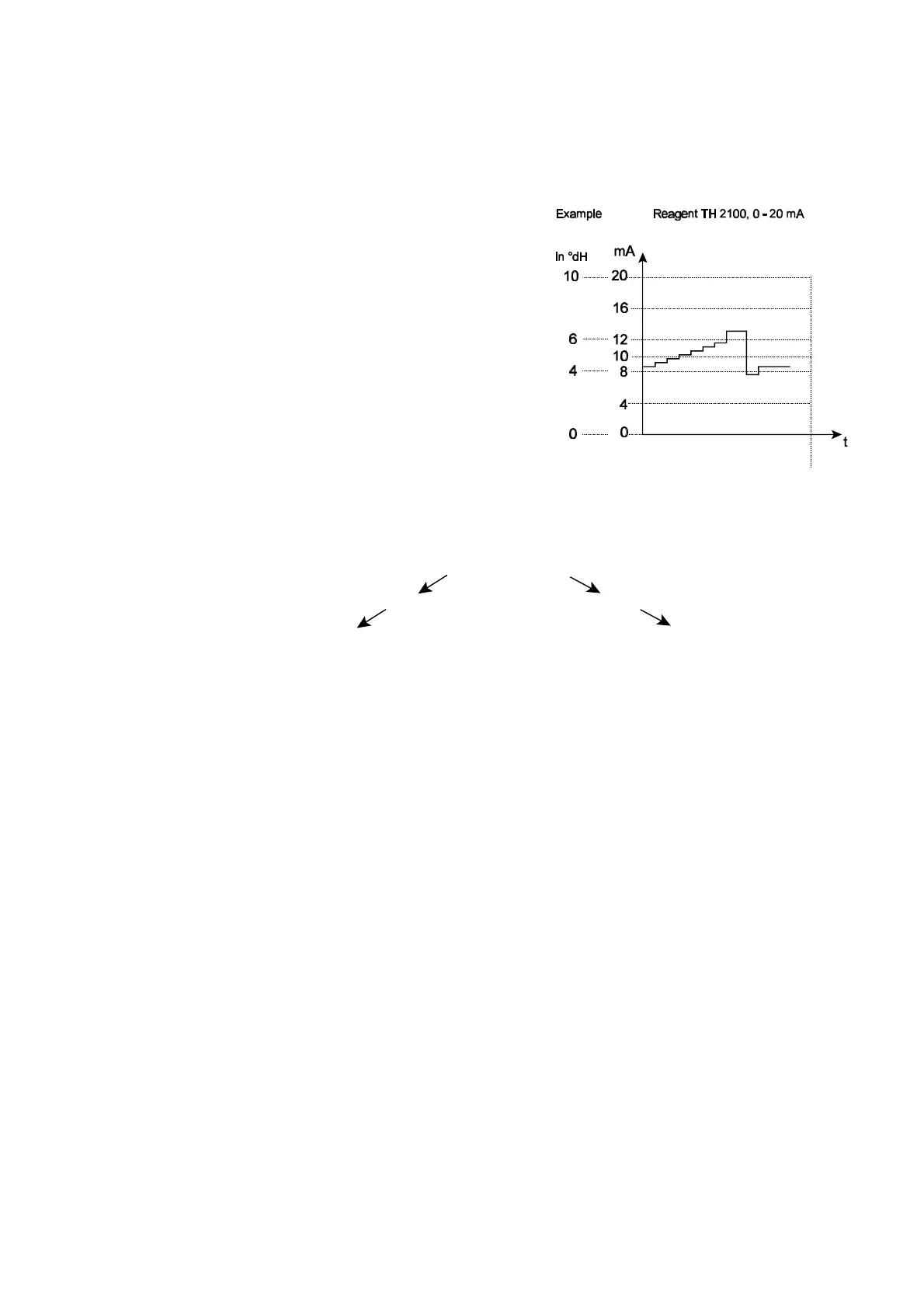
Interface 0/4-20 mA
Another possibility for monitoring the analysis is the connection of
a recorder. For this purpose the unit is equipped with a
programmable current output.
Standard values of 0 - 20 mA and 4 - 20 mA can be selected.
L A maximum working resistance of 350 Ù must not be
exceeded! In situations where interferences might occur and
where very long cables are used (approx. 20m) a screened
cable should be used if possible
Structure of menu
Selection and input
Start menu
Select one of the two menus by pressing the "M" or the "i" key.
Selection
The active line position is displayed in CAPITALS. Using the "ENTER" key, the line is activated to enter a submenu.
Using the arrow key "w", the next parameter appears below the lowest display line:
in this way you scroll the menu.
Entry function (only possible in the "M" menu)
• You select a programming step by means of the arrow keys "w" and "v" and activate the entry function by pressing the
"ENTER" key.
• In the case of digits to be entered, the first digit to be modified flashes.
• You can change the value using the arrow keys "w" and "v".
• By pressing the arrow keys ">" and "<", you confirm the entry and simultaneously change to the next or the preceding
digit (which then starts flashing).
• You terminate the entry function by pressing "ENTER".
• The following line is activated.
• By pressing the "M" key you change to the menu one level up.
End menu
By pressing the “M“ or the “i“ key you return to the menu one level up. After returning from the highest menu level the
unit is again in the display mode.



 To Next Page