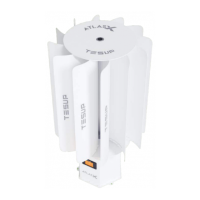
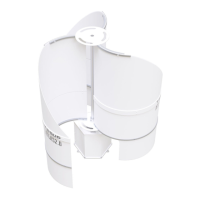
8.1 SWITCHING ON THE WIND TURBINE SYSTEM
• Unlock the emergency stop button or release the brake button on the TESUP charge
controller.
• The brake is released.
• The fast-blinking red LED on the TESUP charge controller goes out.
• The wind turbine system supplies power.
8.2 RESTART AFTER EMERGENCY
• Make sure the risk has been removed.
• Switch on the wind turbine system (section 8.1).
NOTE: For Information on operating the charge controller, refer
to the separate instructions.
26TESUP Electronics Ltd. All rights reserved. ©2023 | www.tesup.com
8. Regular Operation
HERA WIND PRO USER MANUAL



 To Next Page