10
Cleaning Modes
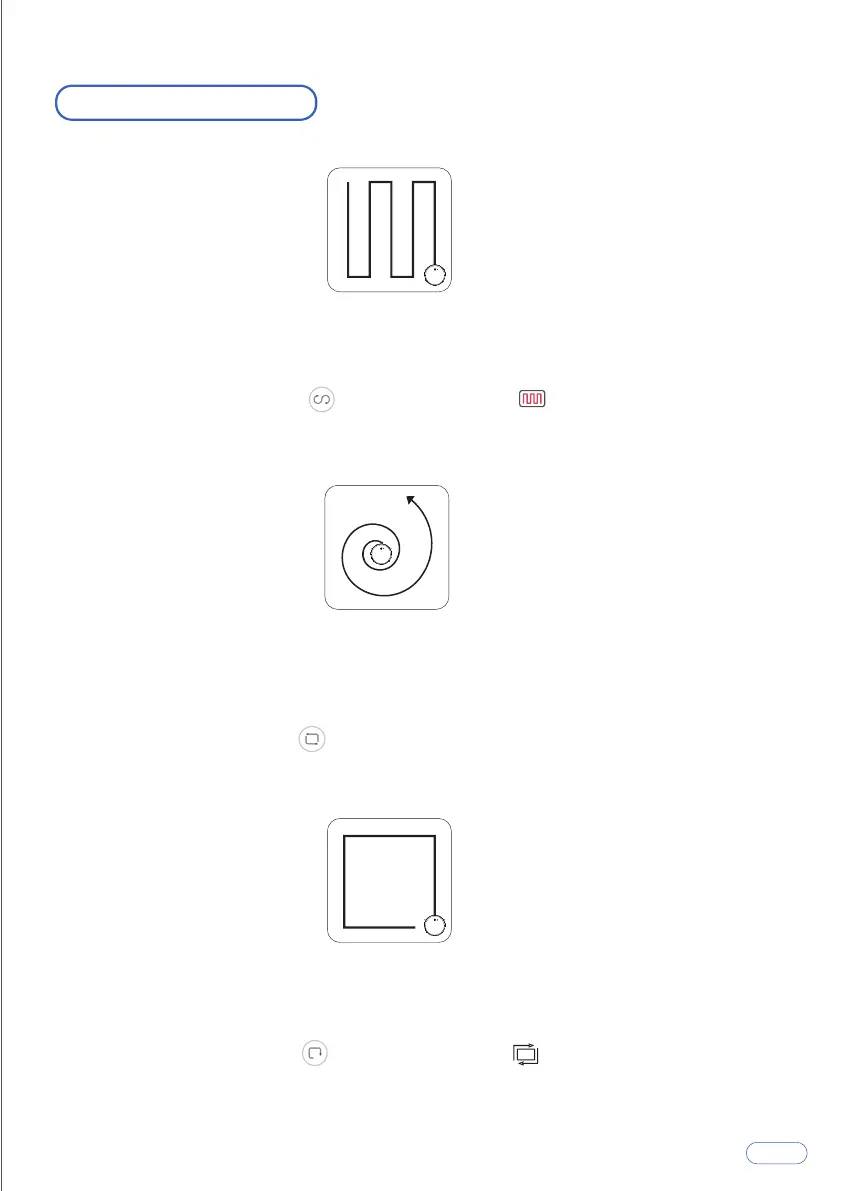
The Tesvor X500Pro will perform the Smart Cleaning according to your home
environment.
Click the Smart Cleaning icon on the app or press on the remote control
to start cleaning under the Smart Cleaning mode.
Tesvor X500Pro intensively cleans a specific area in a spiral pattern, useful if there is
a concentrated area of dust or debris. When in the Spot Cleaning mode, the
X500Pro will stop cleaning after 2 minutes.
Click the Spot Cleaning icon on the app to start cleaning under the Spot
Cleaning mode.
The Tesvor X500Pro reduces its speed when it detects a wall and then follows the
wall to ensure the edge is cleaned thoroughly.
Click the Edge Cleaning icon on the app or press on the remote control to
start cleaning under the Edge Cleaning mode.
1. Smart Cleaning
2. Spot Cleaning
3. Edge Cleaning



 To Next Page