19
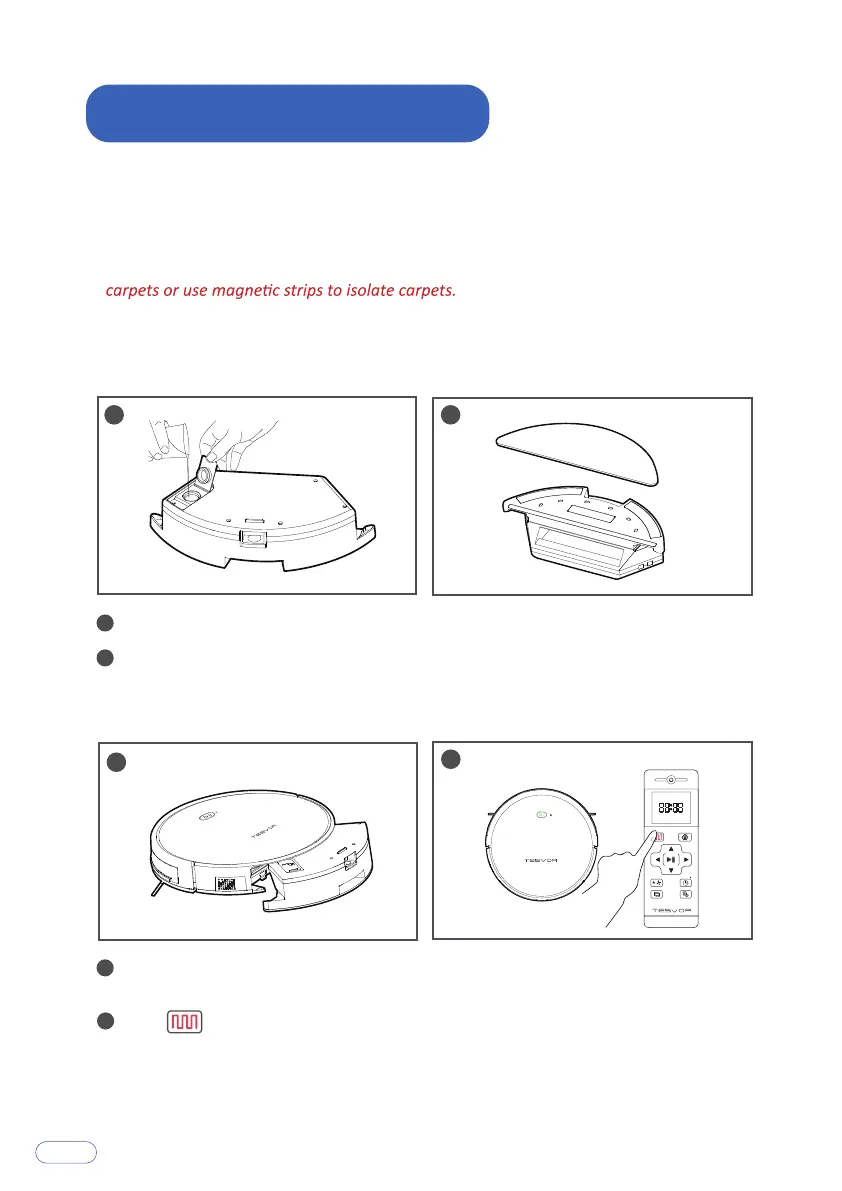
Press the button at the rear of the robot to take out the dust box and
install the water tank.
Click on the remote control or Smart Clean on the app.
Open the sealing plug of the water tank, and slowly pour water into it.
Close the sealing plug of the water tank, paste the cleaning cloth to
Velcro on the bottom of the tank.
1
1
2
2
3
3
4
4
Note:
1. Please remove the water tank when charging to avoid danger.
2. Mopping is not suitable for carpets. When mopping, please roll up the edges of
3. If there is any abnormality in the robot, please try to turn off the power switch on
the right side of the robot to restart it when not charging.
8.How to Use Water Tank



 To Next Page