EN
3
INSTRUCTIONS FOR USE
ACCESSORY FUNCTIONS
REMOTE CONTROL SPECIFICATIONS
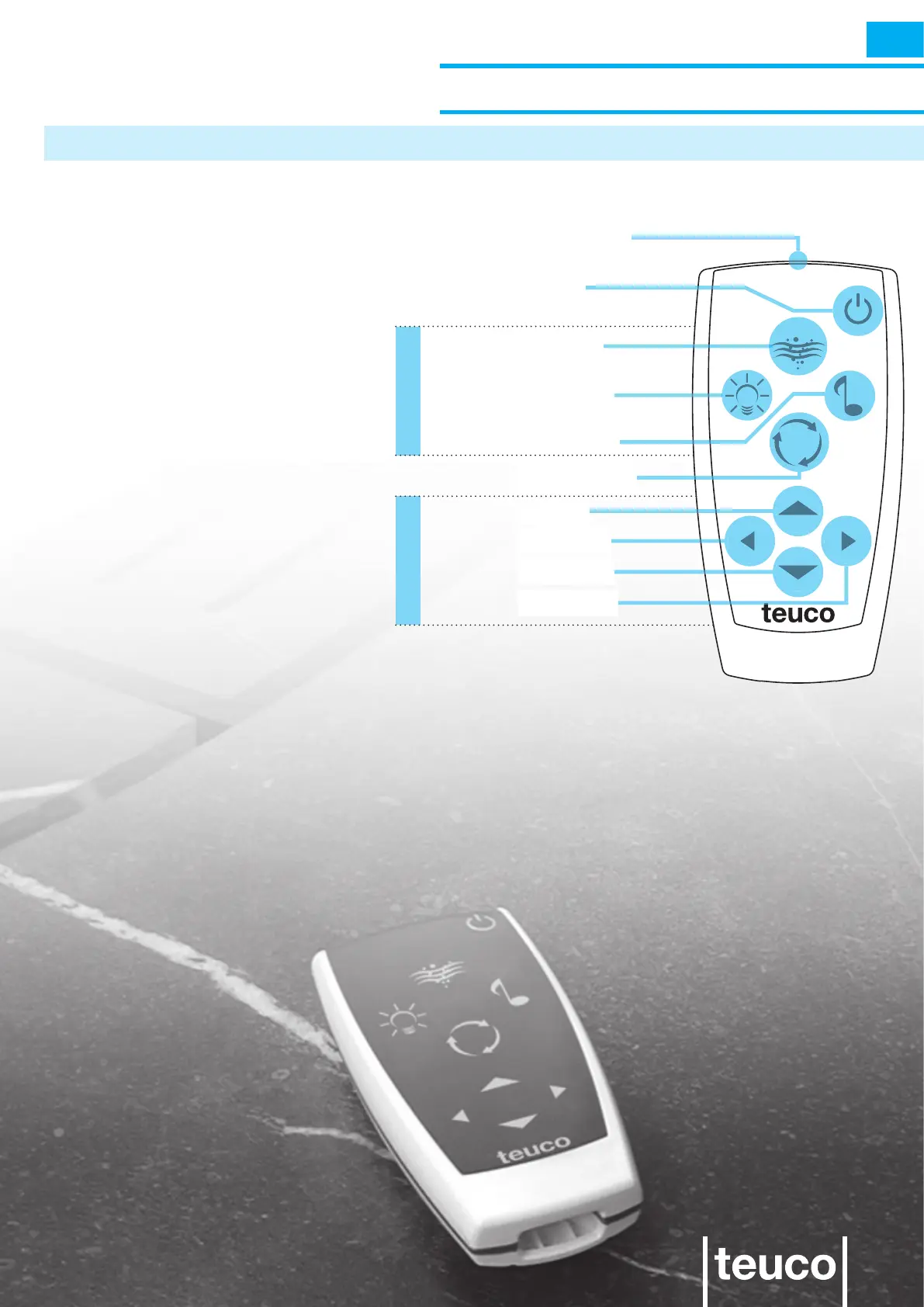
The remote control serves to access
the main functions of the system
directly, without having to use the
control panel.
The 0/I button switches off the system
and sets it back to STAND BY.
The SPA button controls the massage
functions.
The LIGHT button controls the light
sources.
The AUDIO button controls the sound
sources.
The CHANGE button controls the user
settings for the different functions.
The UP, DOWN, LEFT and RIGHT
buttons serve to adjust the settings for
the different functions.
FUNCTIONSADJUSTMENTS
0/I button
SPA button
LIGHT button
AUDIO button
CHANGE button
UP button
LEFT button
DOWN button
RIGHT button
infra-red emitter



 To Next Page