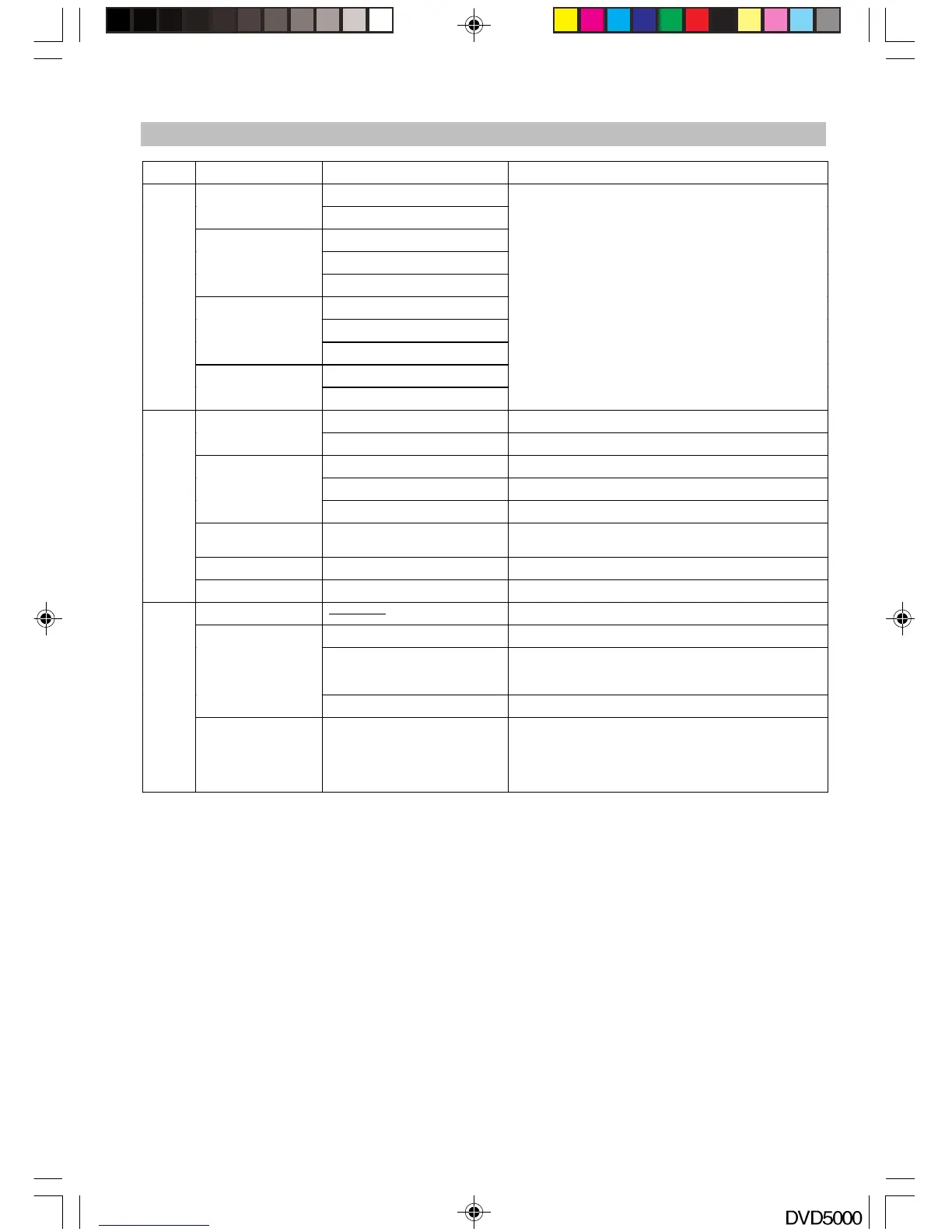
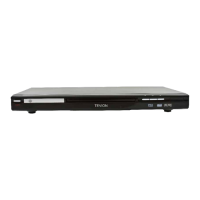
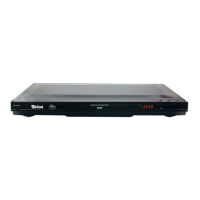
Submenu Options Description
Large
F
ront Speakers
Small
Large
Small
Center Speaker
Off
Large
Small
Surround
Speakers
Off
On
AUDIO
Subwoofer
Off
Large means full frequency speaker; SMALL
means medium high frequency speaker which
can not perform ultra low frequency. Please
choose the right setting as per your speaker
characteristic & your preference. When you
connect this player to your TV set, which is
so-called DOWNMIX stereo effect, please set
Front as LARGE and Center, rear, subwoofer as
OFF; otherwise it will not be audible or only very
quiet.
On Turn on the Pro-Logic function
Pro-Logic
Off Turn off the Pro-Logic function
PCM Output Digital signal in PCM
Raw Output Raw digital signal
Digital Output
Off Turn off digital output
Pink Noise
OFF/Left/Center/Right/Left
Surr/Right Surr/Subwoofer
Test respective speaker output
CNTR CTRL 0,1,2,3,4,5 ms Adjust the CNTR CTRL within 0-5ms
MORE AUD
REAR CTRL 0,3,6,9,12,15 ms Adjust the REAR CTRL within 0-15ms
PASSWORD
Input number by users and confirmed by OK
G General Audiences (All Ages Admitted)
PG-13
Parents Strongly Cautioned, Some material may
be inappropriate for children under 13
RATING
ADULT For adult only
Parental
DivX registration Display
DivX(R) Video On Demand:
Your registration code is : ******* (pls refer to
your unit)
To learn more visit www.DivX.com/vod
FOR YOUR REFERENCE
DVD5000_IB.p65 05-10-22, 23:1720



 To Next Page