3 CONNECTING TO THE VEHICLE
3.1 OBD cable
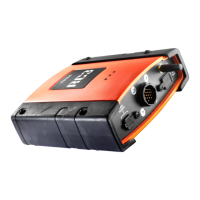
If you are using the rev counter via an OBD cable (see image below),
connect the RC3 to the OBD socket in the vehicle using the cable provided.
When the tool is turned on the green LED will blink to signal that the tool
has identified the OBD cable.
The LED will then remain off until the tool begins to communicate with the
vehicle.
When the tool is ready to send the measurements the LED will turn on:
•
Engine rpm
•
Engine temperature
The time it takes the tool to connect to the vehicle control unit depends on
the communication protocol. It can take anywhere between 4 to 15
seconds.
The EOBD protocols supported are: ISO9141, KWP2000, CAN,
J1850PWM, J1850VPW.
23
en


 To Next Page