11.4 Checking the Installation
Once you have completed all the operations described in the previous chapters, you must
make sure the installation has been carried out correctly.
Proceed as follows:
1.
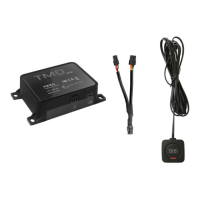
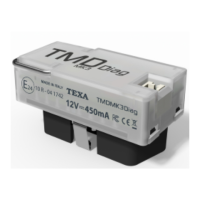
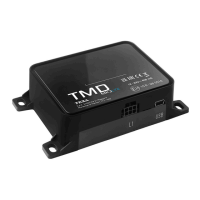
Connect the TMD MK3 LTE power supply connector and turn the vehicle ignition key to
the “ON” position.
2.
Wait for the red LED on the TMD MK3 LTE to start flashing.
If the LED does not turn on, proceed as follows:
1.
Disconnect the power cable from TMD MK3 LTE.
2.
Wait 5 seconds.
3.
Reconnect the power cable.
en
81


 To Next Page