TI-83 Plus GeoMaster™ Application Page 47
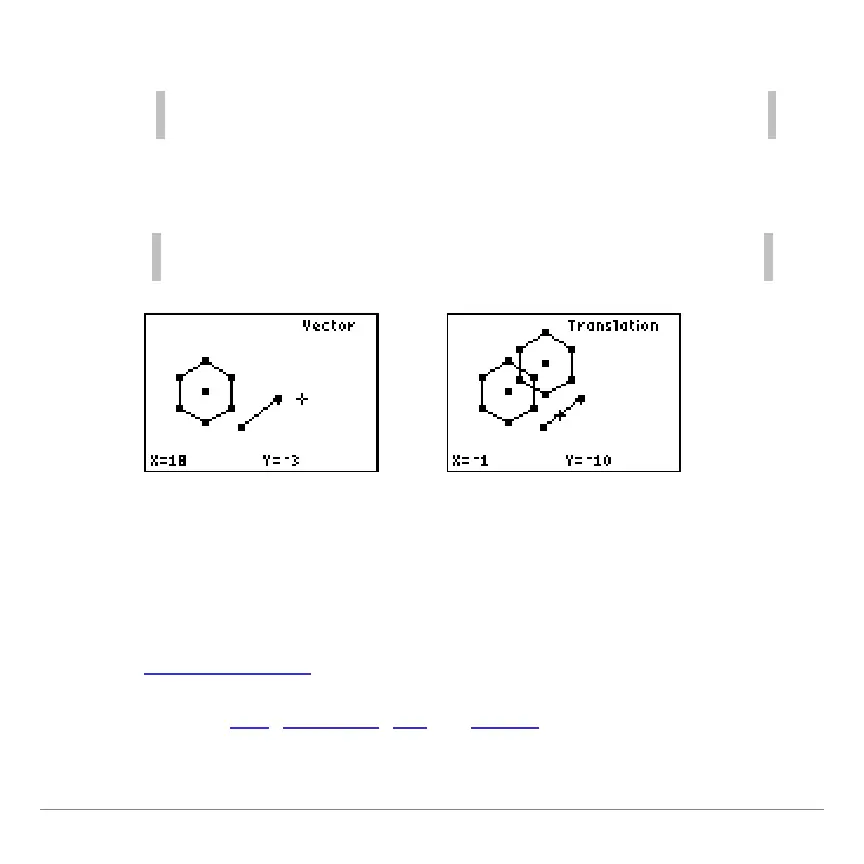
4. Select the object to translate.
Move the cursor to the side of the object to select it. You cannot
select an object by moving the cursor to the interior of the object.
5. Select the vector. The object is translated.
The order of these steps is important. You
must
first select the
object to translate and then select the vector.
Reflecting an Object
A reflection creates an object's mirror image with respect to a
line, segment, ray, or vector. The original object is unchanged.
1. Draw an object
.
2. Draw a line
, segment, ray, or vector about which the object
will be reflected.


 To Next Page
 Loading...














