— E15 —
Operation
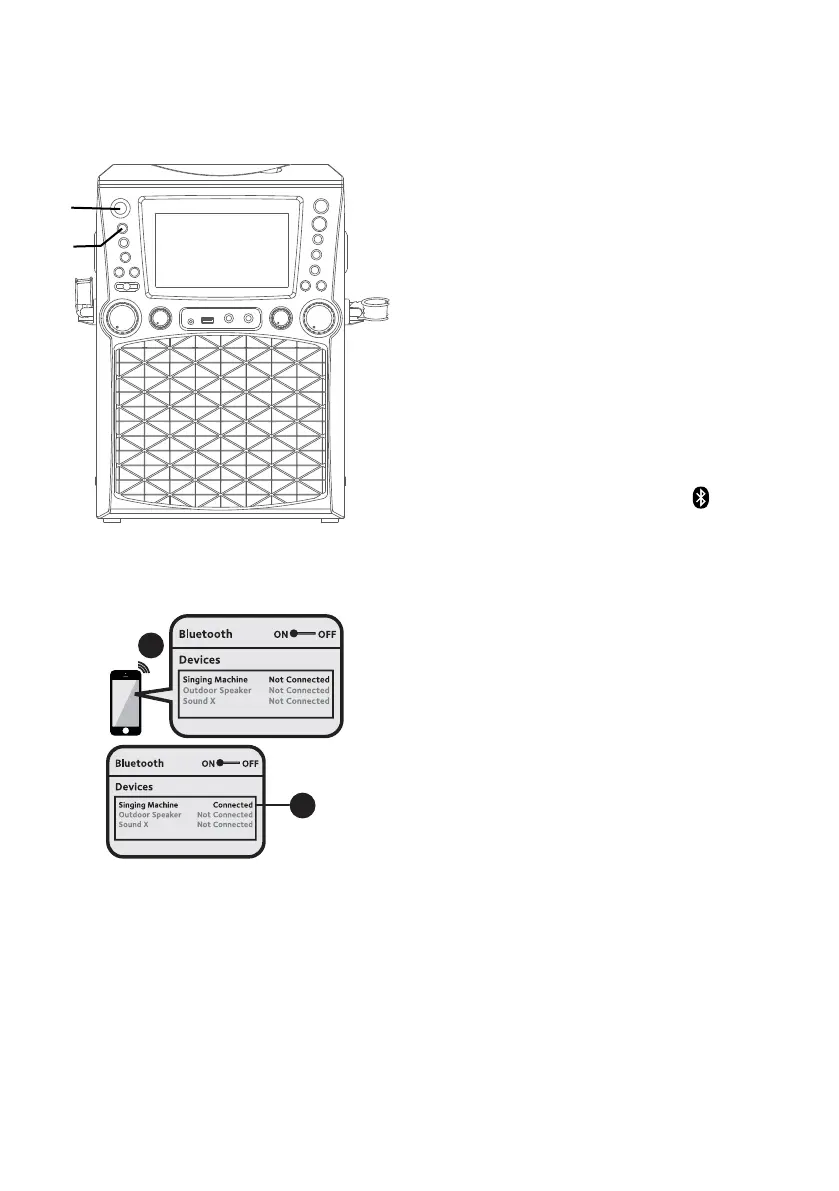
Using a Bluetooth Device
1
Connect the unit as described
previously. Press the ON/STANDBY
button to turn the unit on.
2
Repeatedly press the FUNCTION
button to select the Bluetooth;
“Bluetooth” will flash on the screen.
The screen will show your Bluetooth
device is ready to connect with
a notification sound. If there is a
previously paired Bluetooth device
nearby, the unit will connect to
it automatically with a successful
pairing sound. If no previously paired
devices are present, connect as
shown in the next step.
Note: You can also press the button to
disconnect any paired devices in order to
pair another device.
3
Turn on your device’s Bluetooth
option in settings to search for a
discoverable device with a Bluetooth
signal. Select “Singing Machine”
from the device results on the
Bluetooth menu.
Note: Also refer to the user manual
of your Bluetooth device for detailed
instructions.
4
The screen will show that your
Bluetooth device is connected
successfully followed by a paired
sound.
Notes:
• If your Bluetooth prompts you for a
passcode during the pairing process,
please enter “0000” to connect.
• On some Bluetooth devices, once
pairing is complete, select your
Bluetooth device as “Use as Audio
Device” or similar.
• If connection is lost after successful
pairing, check to make sure the
distance between speaker and
Bluetooth-enabled device does not
exceed 30 feet/10 meters.
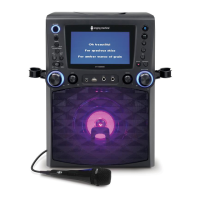
Please connect your Music Device
Your Music Device is connected
3
4
Please connect your Music Device
Your Music Device is connected
u
v



 To Next Page