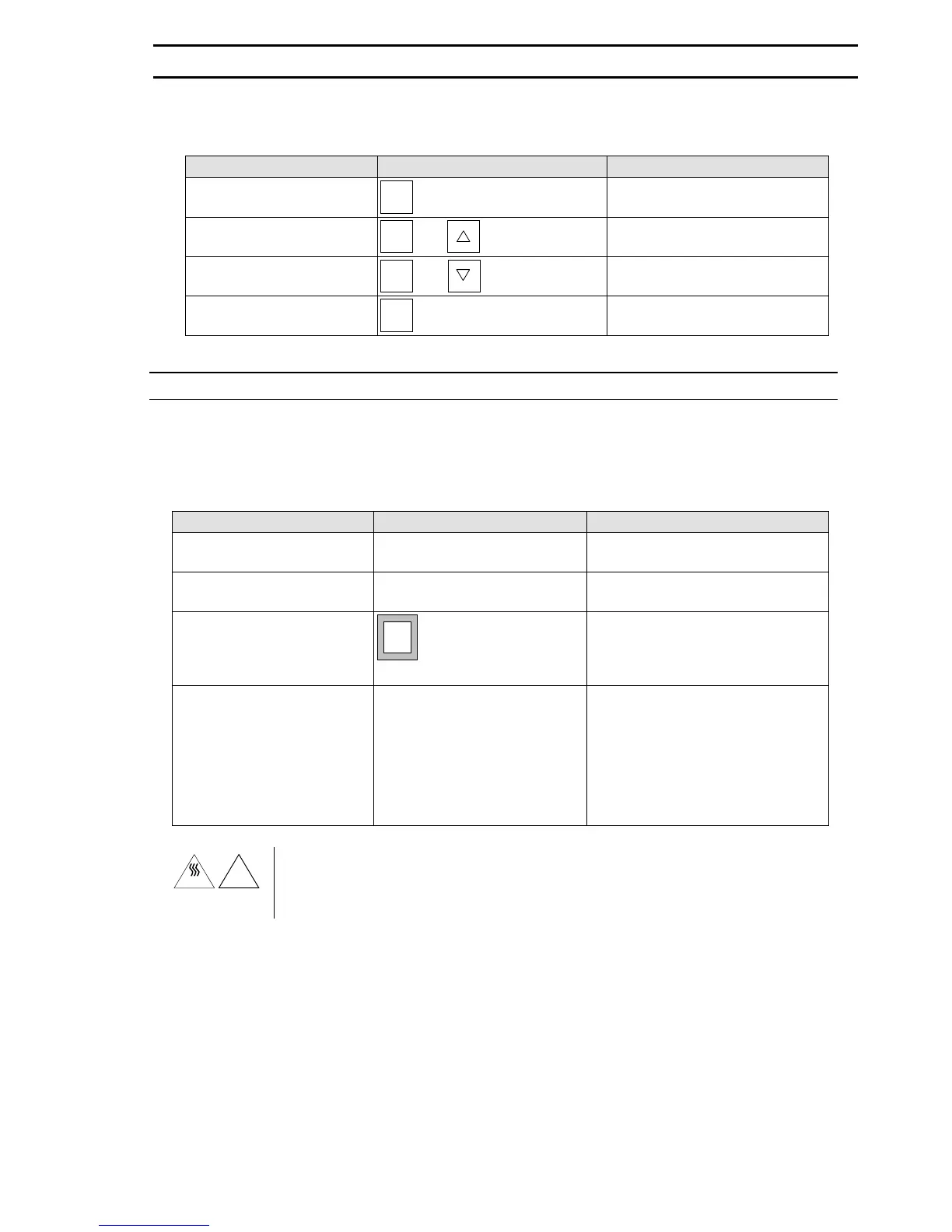
Setting the relative humidity setpoint:
Instruction Entry / Keys / Remarks Display / Remarks / Status
Display the relative humidity
setpoint
%rH
press
Actual setpoint is displayed and
decimal point flashes
Set the relative humidity set-
point
%rH
press
&
Setpoint increases
%rH
press
&
Setpoint decreases
Adopt NEW relative humidity
setpoint
%rH
release
Relative humidity concentration
inside the unit is displayed
Disinfection routine
The entire interior of the unit together with all sensors can be disinfected with hot air at 180°C.
The disinfection routine lasts approx. 13 hours.
Start disinfection routine:
Instruction Entry / Keys / Remarks Display / Remarks / Status
Open the unit door for at least
30 seconds
All displays flash
Remove samples and vessels
from the interior of the unit
Activate the disinfection rou-
tine (turn key in direction of
arrow)
des
start/
stop
Indicator Lamp (page 19 (11))
flashes and indicator lamp (page 15
(2)) comes on.
Press for approx. 1 second
Close the door Disinfection routine runs automati-
cally.
Temperature Limit Controller is dis-
abled.
CO
2
display indicates the phases of
the disinfection routine.
"auto-start" routine begins on com-
pletion of the disinfection routine .
!
"des"
In the disinfektion mode (appr. 13 h) occur slightly higher temperatures on the outer sur-
face, the door area and the internal door grip. When LED "des" is flashing, proceed with
particular caution.
Avoid touching the door areas during the disinfection routine.
6. OPERATE
50 079 041 21/45


 To Next Page