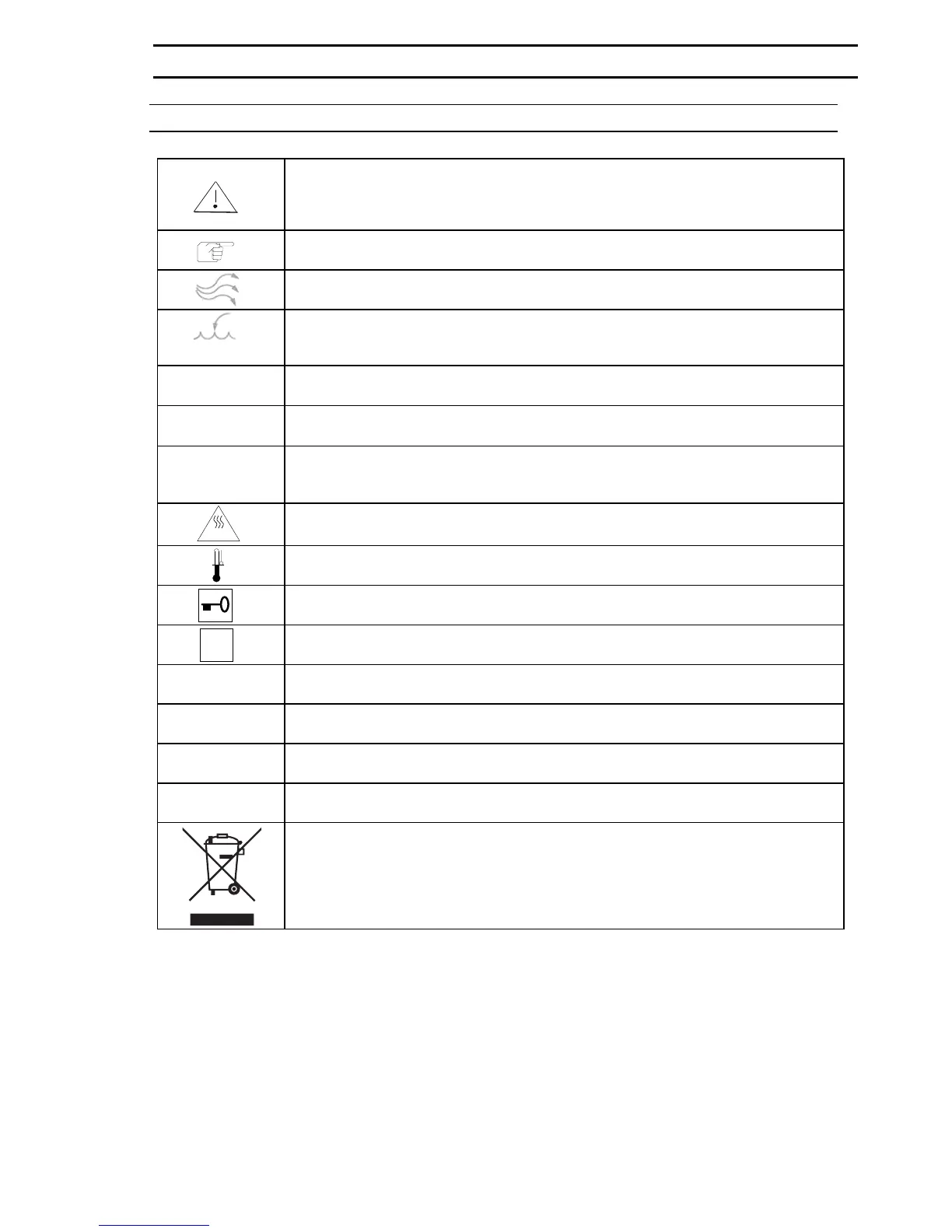
EXPLANATION OF ICONS IN THE INSTRUCTIONS MANUAL
In chapters of the instruction manual which deal with safety, this icon appears under
the title of the chapter. Displayed on the equipment, this icon denotes that special at-
tention must be paid to the information given in the instruction manual or accompany-
ing documents.
Marks information in the instruction manual for optimizing use of the equipment
"Water supply" vent/overflow
"Add/drain water" quick release coupling
aqua dest
I
Unit ON
0
Unit OFF
des
start/
stop
"Disinfection mode" key-operated switch
"des"
Marks information for higher surface temperature in the disinfection mode
Overtemperature protection, temperature limit controller
Selection of switching/interlocking functions
i
Error code enquiry / acknowledgment of "acoustic signal"
control "Change switching functions activated" display
auto-start Automatic startup of unit and calibration of measuring systems
auto-zero "auto-zero" calibration active display
des "Disinfection mode" display
Information on proper disposal / recovery of raw materials
1. GENERAL
50 079 041 5/45


 To Next Page