09
★ After being powered on, the dash cam enters the video mode and automatically starts recording.
★ Press OK Button to stop recording.
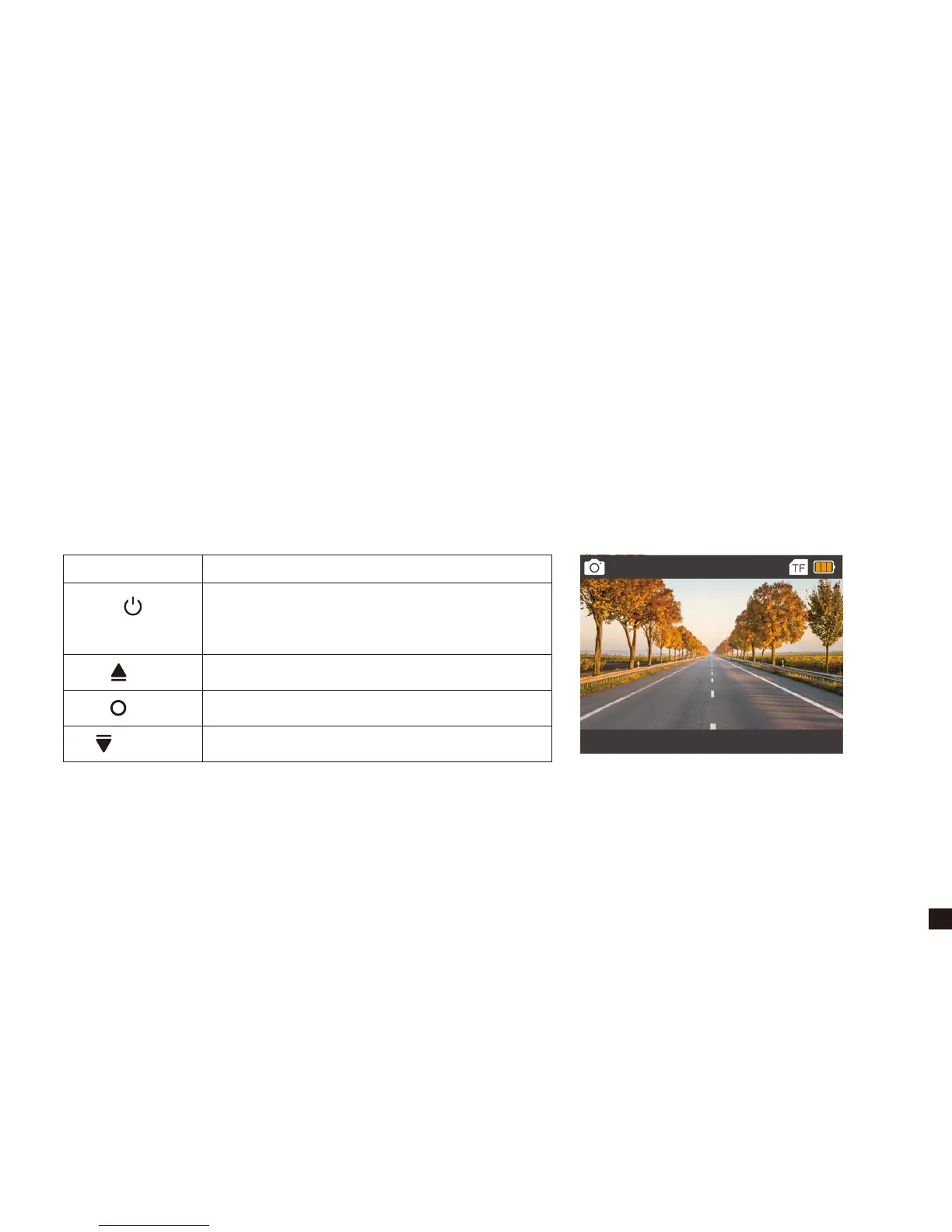
★ Press Power/Mode Button to switch to photo mode. The photographing icon is displayed on the
upper left corner of the screen.
★ Short press OK Button to take a photo.
4. Photo Mode
Button Action
UP
DOWN
POWER / MODE
OK
Switch to Playback/Settings Mode
×
Take a Photo
Turn ON/OFF the LCD display
12M
2019/02/03 04:06:58


 To Next Page