05
Part 02 - Basic Operation
5. LED Indicators
Status
When Recording
When Not Recording
Blue Indicator Light
Continuous Flash
Constant ON
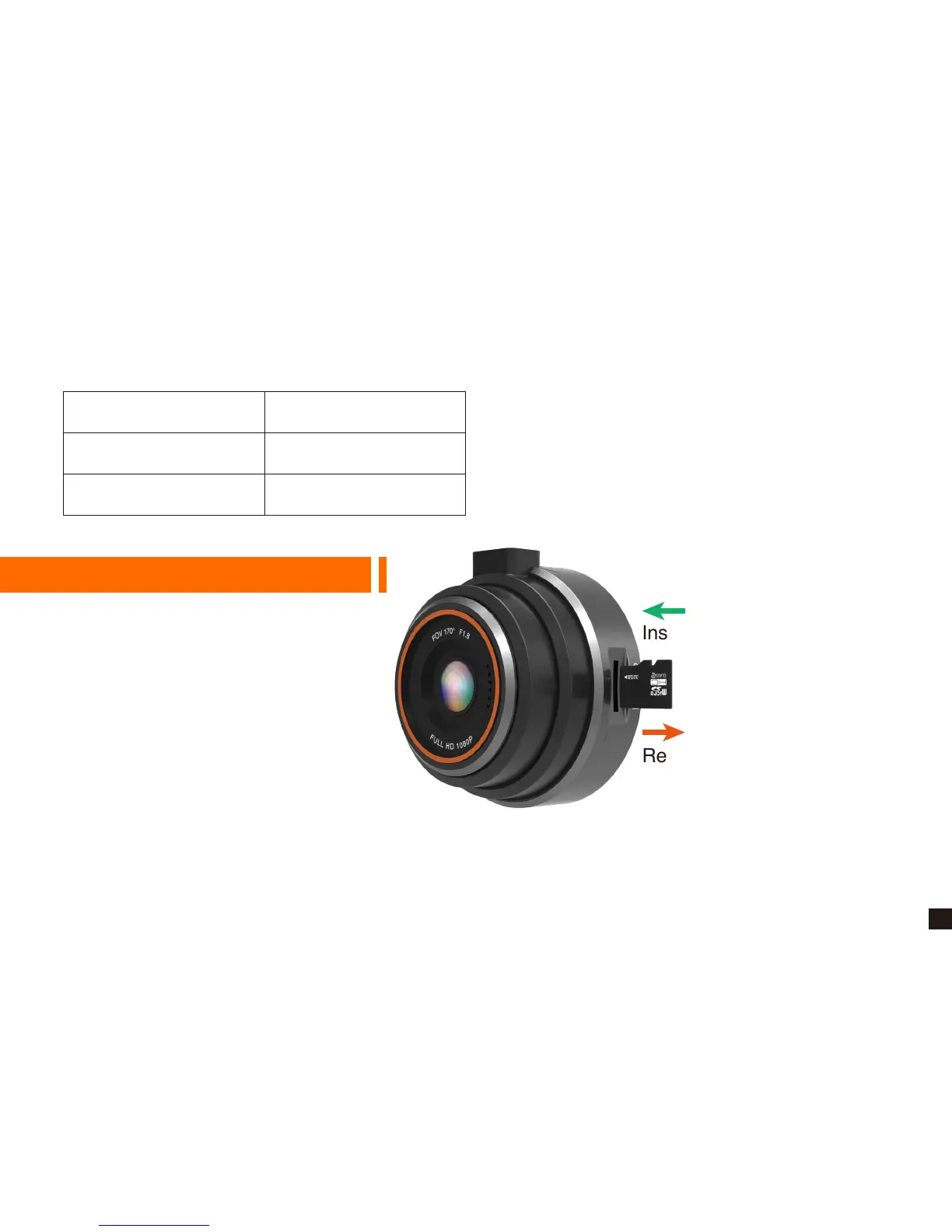
1. Insert TF Card
· Open the slot cover and insert the
Micro SD card into the slot and push
until it locks into place.
· Gently apply force on the Micro SD
card until it is ejected from the slot.
★ We recommend that use up to 32G Class 10 or UHS-1 Micro SD Card.
★ Please format the Micro SD Card by the camera before first use.
Inserting the Micro SD Card
Removing the Micro SD Card


 To Next Page