17
2. Photo Settings
★ After being powered on, the dash cam enters the
video mode and automatically starts recording. Then
press OK Button to stop recording.
★ Repeatedly press Power / Mode Button to switch to
Settings mode, then you MUST Press OK Button to enter
menu settings.
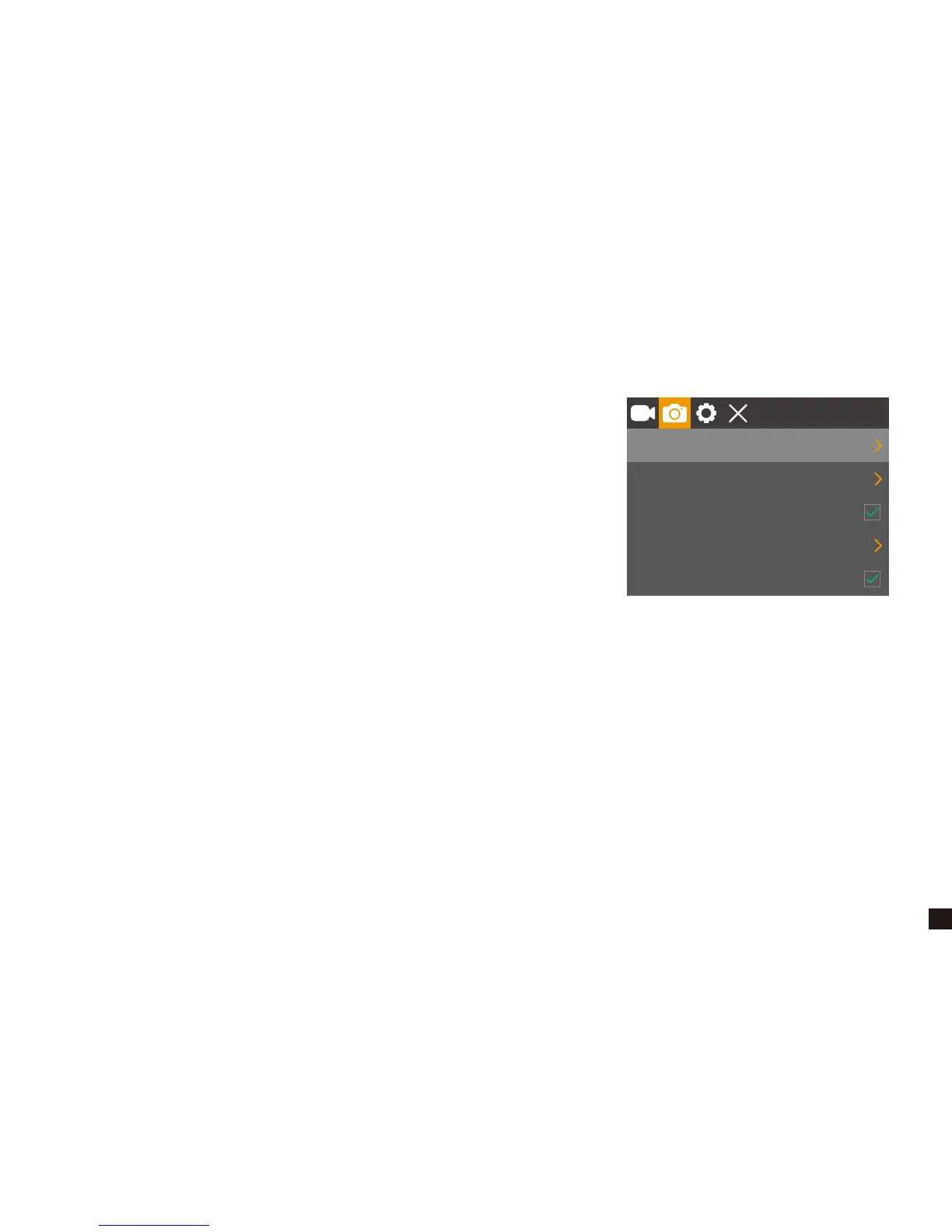
★ When in photo settings, press Up/Down Button to choose
Capture Mode, Resolution, Sequence, ISO, Date Stamp.
① Capture Mode
Default: Single Shot
This setting determines if camera is taking an instant shot or delayed shot. If single shot is
selected, the camera will take one photo every time. If delayed shot is selected, the camera will
wait for 2/5/10 seconds depending on setting before taking the shot.
② Photo Resolutions: 12M / 10M / 8M / 5M / 3M / 2M / 1.3M
gle shot
12M
Auto
Capture Mode
Resolution
Sequence
ISO
Date Stamp


 To Next Page