11
★ After being powered on, the dash cam enters the video mode and automatically starts recording.
★ Press OK Button to stop recording.
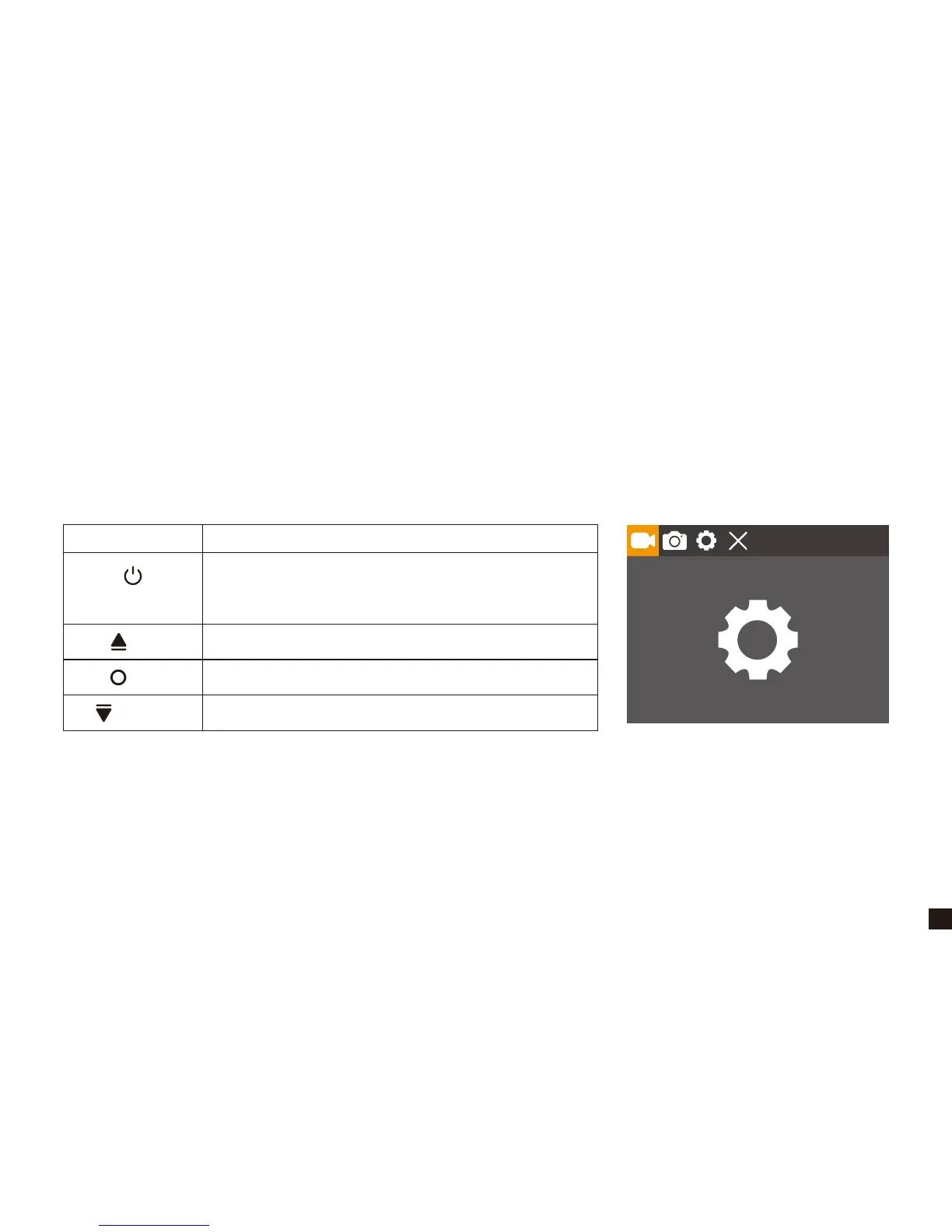
★ Press Power/Mode Button twice to switch to settings mode.
★ Short press OK Button to enter menu settings.
6. Settings Mode
Button Action
UP
DOWN
POWER / MODE
OK
Switch to Video Recording Mode, and
automatically start recording.
×
Enter Menu Settings
×


 To Next Page