12
Part 03 - Menu Settings Instruction
1. Video Settings
★ When the camera is Powered ON, it enters the video mode and automatically starts recording.
Short press OK Button to stop recording.
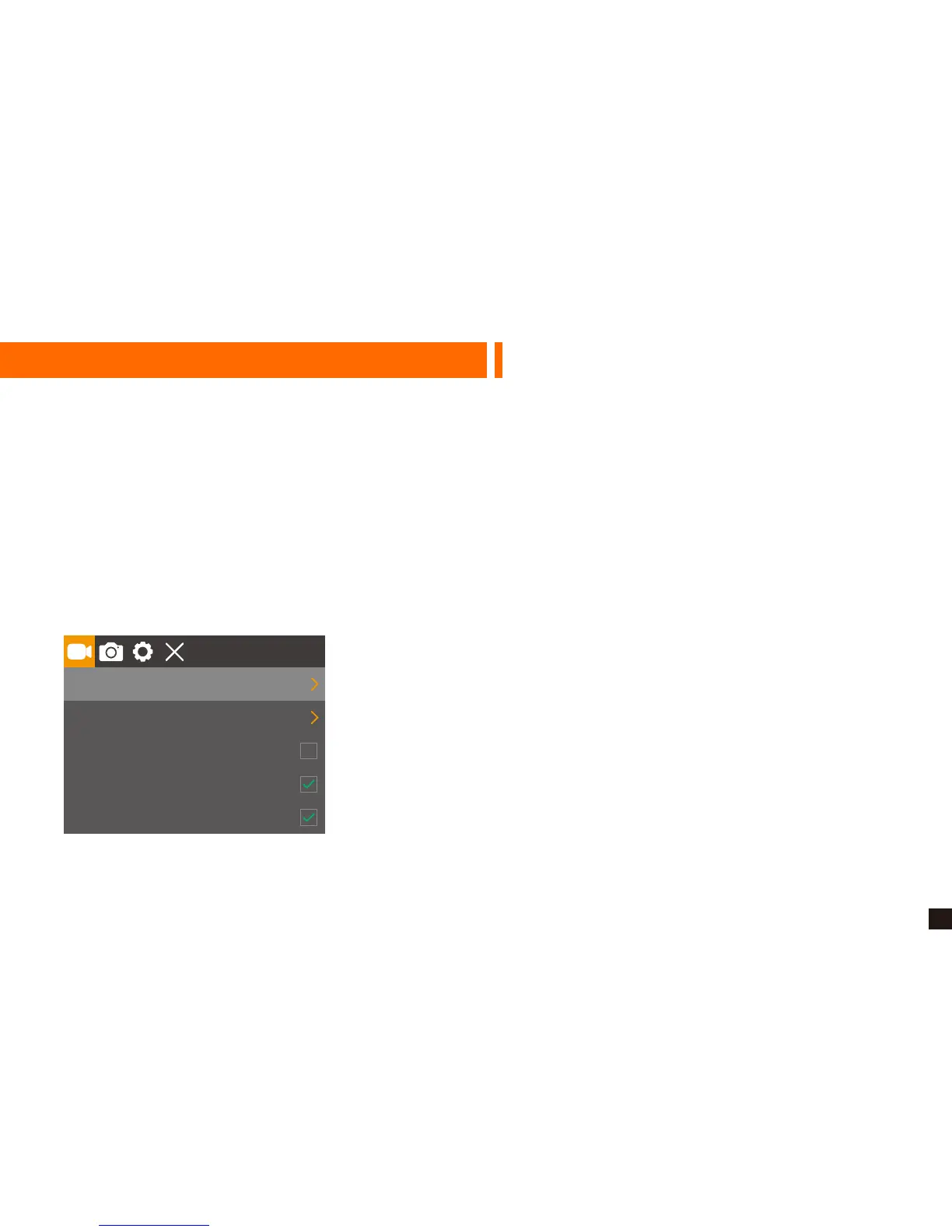
★ Repeatedly press Power / Mode Button to switch to Settings mode, then you MUST Press OK
Button to enter menu settings.
★ When in video settings, press Up/Down Button to choose Resolution, Cyclic Record (Loop
Recording), Motion Detection, Voice Recording, Date Stamp, G-sensor, Parking Monitor, WDR.
1080P
3 Min
Resolution
Cyclic Record
Motion Detection
Voice Recording
Date Stamp


 To Next Page