18
③ Sequence
Once set in photo burst mode, the camera will take 3 shots in a row every time the OK button is
pressed. Otherwise, the camera only takes one photo every time the OK button is pressed.
(Default: OFF)
④ ISO
Auto/100/200/300/400. Default: Auto
3. System Menu Settings
★ After being powered on, the dash cam enters the video mode
and automatically starts recording. Then press OK Button to stop
recording.
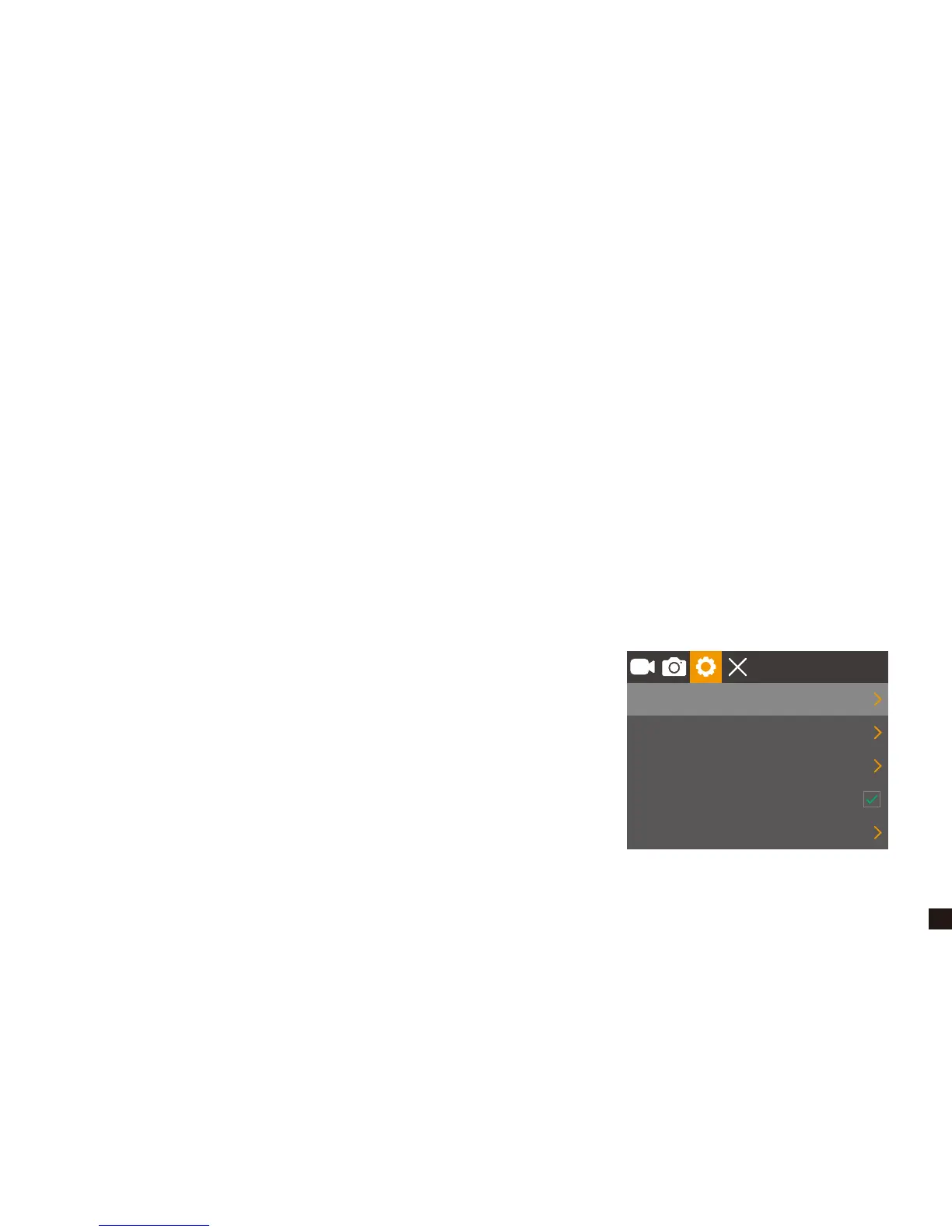
★ Repeatedly press Power / Mode Button to switch to Settings
mode, then you MUST Press OK Button to enter menu settings.
★ When in system settings, press Up/Down Button to choose
Screen Saver, Auto Power Off, Frequency, Beep Sound,
Language Screen Rotation, Date/Time, Format, Default Setting,
Version.
1 Min
3 Min
50Hz
English
Screen Saver
Auto Power Off
Frequency
Beep Sound
Language


 To Next Page