15
⑥ G-sensor
Default: Medium
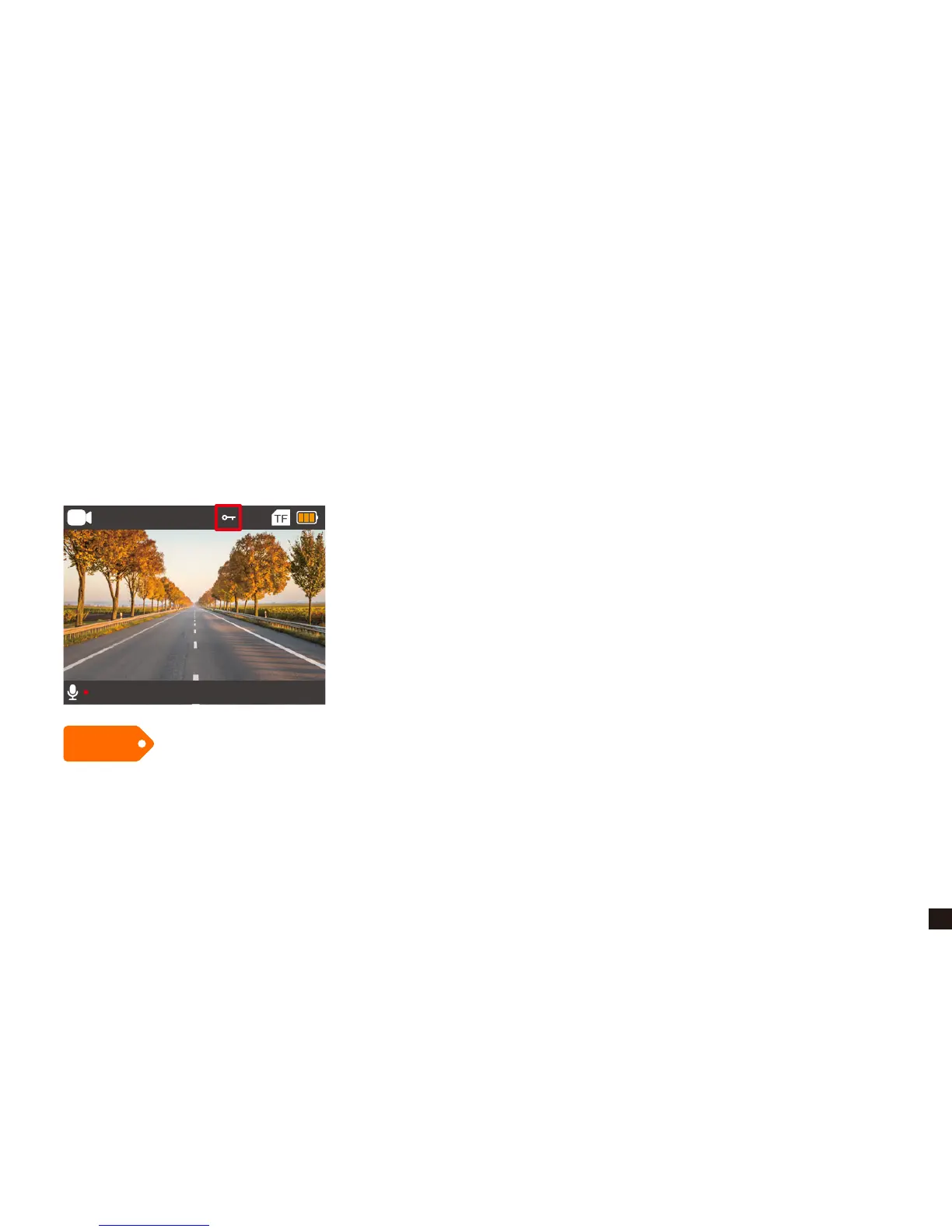
G-sensor will lock the file when detecting a collision during the recording, and the file won't be
overwritten by loop recording.
The G-sensor sensitivity can be selected OFF / High / Medium / Low in the menu.
Tips
1080P 30FPS
00:02:58 2019/02/03 04:56:06
If the Micro SD Card is full of the locked files, the camera won’t record, so please format the card
on the camera setting menu manually.
The Locked file depended on the G-sensor sensitivity, we suggest you set the Low sensitivity or
turn off the G-sensor if you don’t need.


 To Next Page