10
★ After being powered on, the dash cam enters the video mode and automatically starts recording.
★ Press OK Button to stop recording.
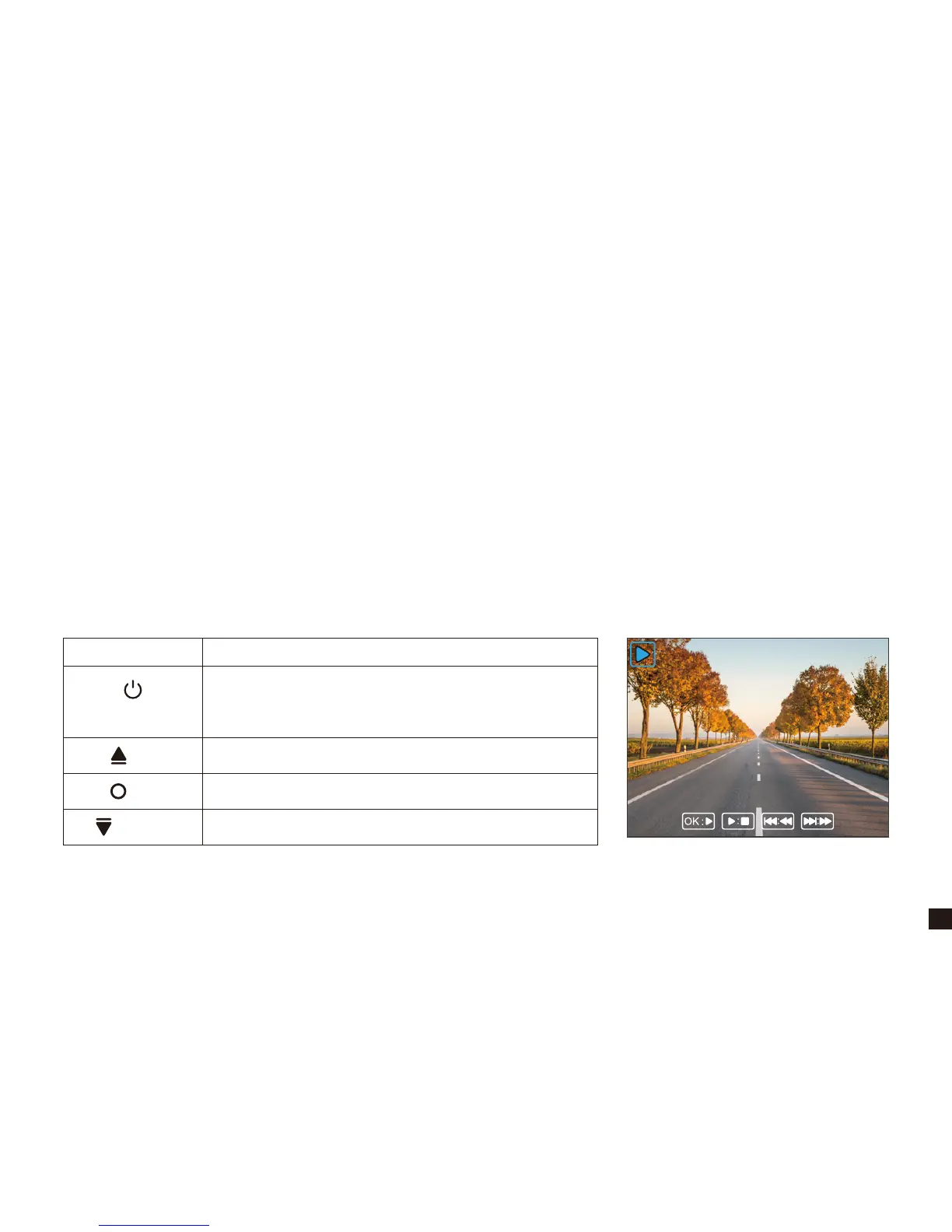
★ Press Power/Mode Button twice to switch to playback mode.
· In playback mode, press Up/Down Button to choose photo/video file.
· In playback mode, short press OK Button to play/pause the current video file.
5. Playback Mode
Button Action
UP
DOWN
POWER / MODE
OK
Switch to Settings Mode
Navigate UP to choose video/photo file
Play/Pause
Navigate DOWN to choose video/photo file
Note: If in video mode, please stop video recording first, and then press Power/Mode
Button twice to switch to playback mode.
00:00:34
VID_002MOV
1080P 30FPS


 To Next Page