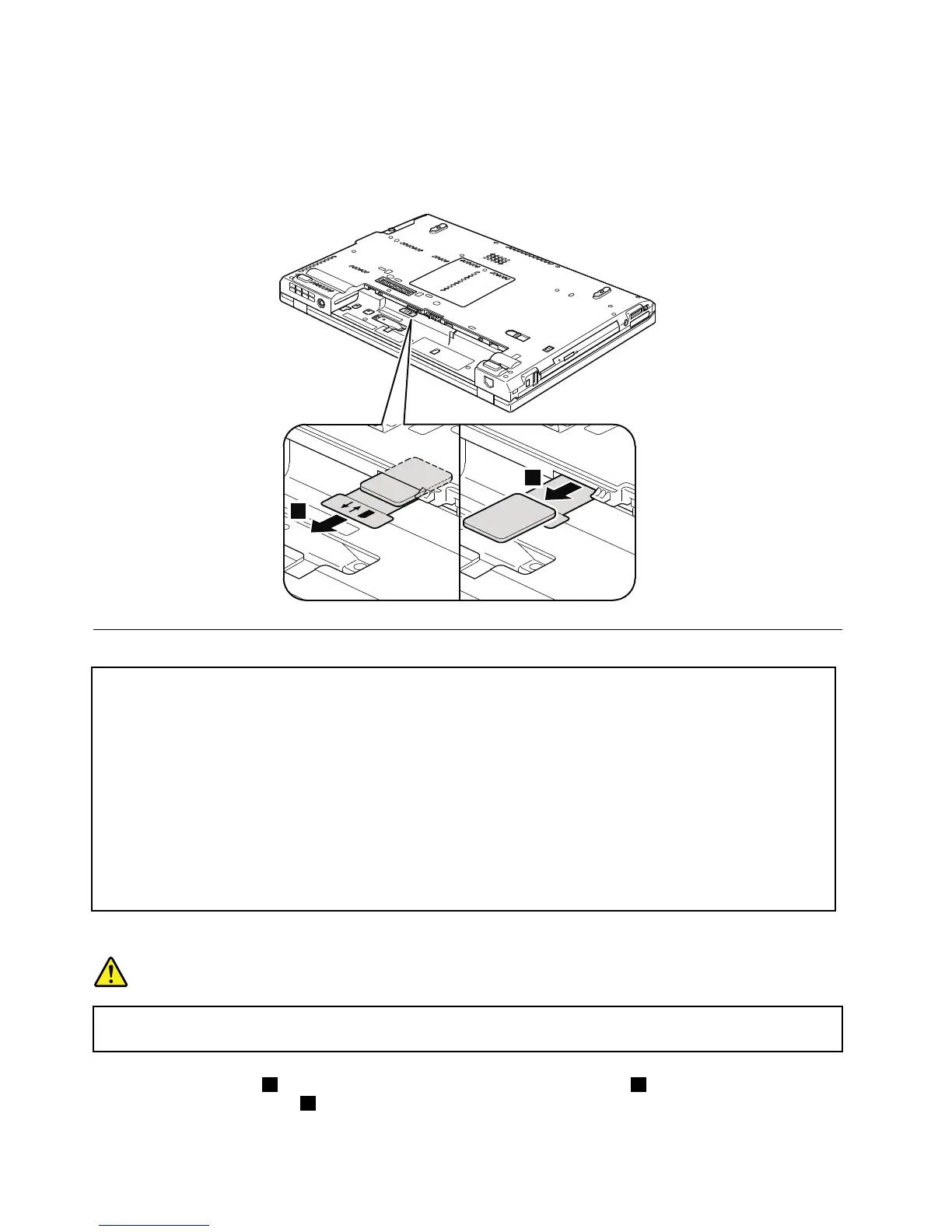
IfthecomputeryouareservicinghastheSIMcard,removeitbeforeyoustarttheservicing.
ToremovetheSIMcard,youneedtoremovethebatterypackrst.(See“1010Batterypack”onpage66
.)
Afteryounishtheservicing,makesurethatyouinsertthecardbackintotheslotrmly.
1010Batterypack
Importantnoticeforreplacingabatterypack:
TheLenovoThinkVantageToolbox,LenovoSystemToolbox(inWindowsVistaandWindowsXP),and
LenovoSolutionCenter(inWindows7)haveanautomaticbatterydiagnosticthatdeterminesifthebattery
packisdefective.AbatterypackFRUshouldnotbereplacedunlessthisdiagnosticshowsthatthebattery
isdefective.
Theonlyexceptiontothisisifthebatterypackisphysicallydamagedoracustomerisreportingapossible
safetyissue.
IfLenovoThinkVantageToolbox,LenovoSystemToolbox,orLenovoSolutionCenterisnotinstalledinthe
computer,thecustomershoulddownloadthisprogrambeforeanon-physicallydamagedbatterypackis
replaced.Notethatthereplacementofaphysicallydamagedbatterypackisnotcoveredbythewarranty.
Removalstepsofbatterypack
DANGER
Useonlythebatteryspeciedinthepartslistforyourcomputer.Anyotherbatterycouldignite
orexplode.
Unlockthebatterylatch1.Holdingthebatterylatchintheunlockedposition2,removethebatterypackin
thedirectionshownbyarrow
3.
66HardwareMaintenanceManual



 To Next Page