18
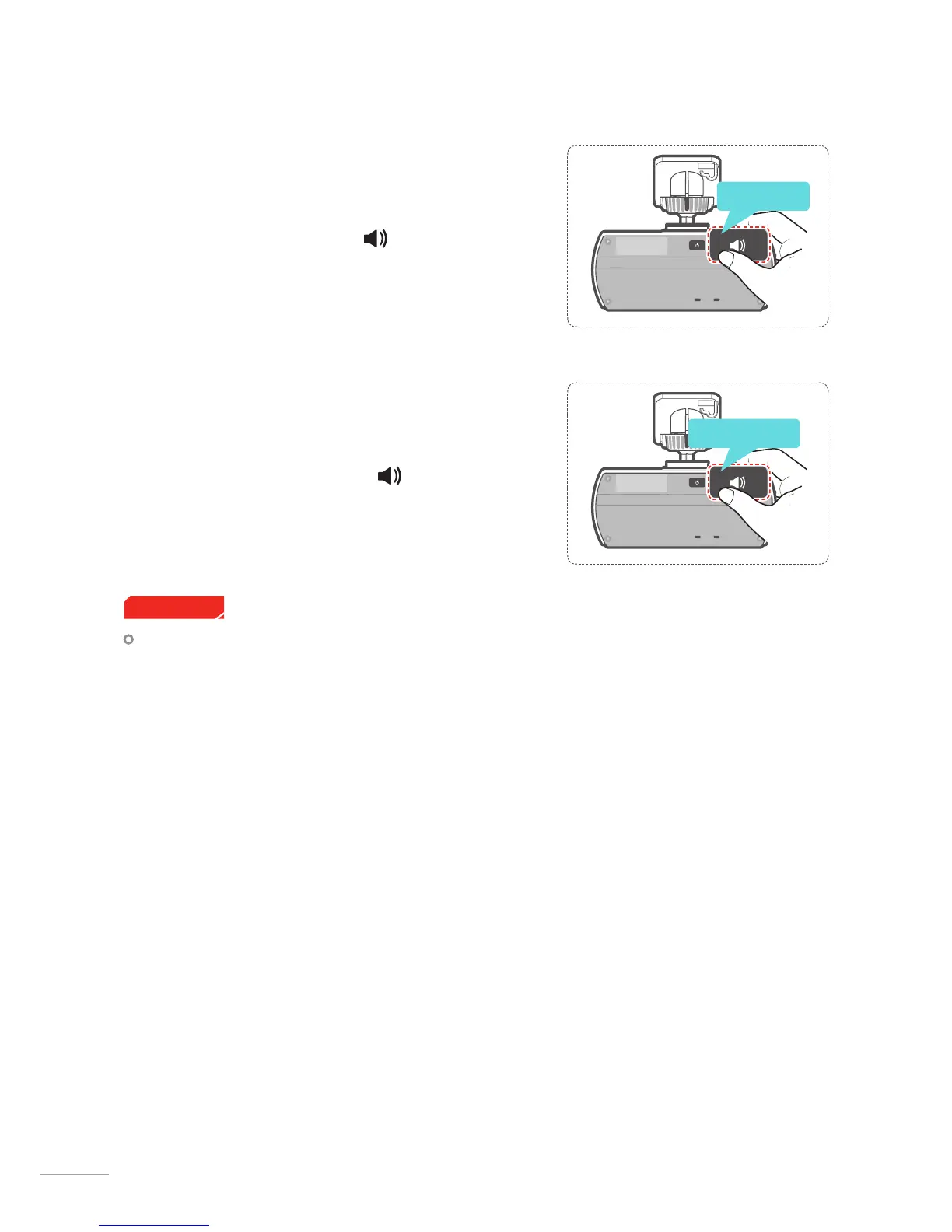
2-9-1. Turning Voice Guidance Function
On/O
Briey press the Voice Guidance ( ) button to turn the voice
guidance on or o.
2-9-2. Turning Voice Recording function
On/O
Press and hold the Voice Guidance ( ) button to turn the
audio recording on or o.
2-9. Setting Audio Options
Users do not reserve the right to use the product for purposes other than as specied in this user guide.
According to the Personal Information Protection Act and other related regulations, the user/owner may
be held liable if the video and/or conversation recorded by the device are distributed without their con-
sent. Thus, special attention should be paid in using this product.
Cautions
Press Briey
Press and hold



 To Next Page