22
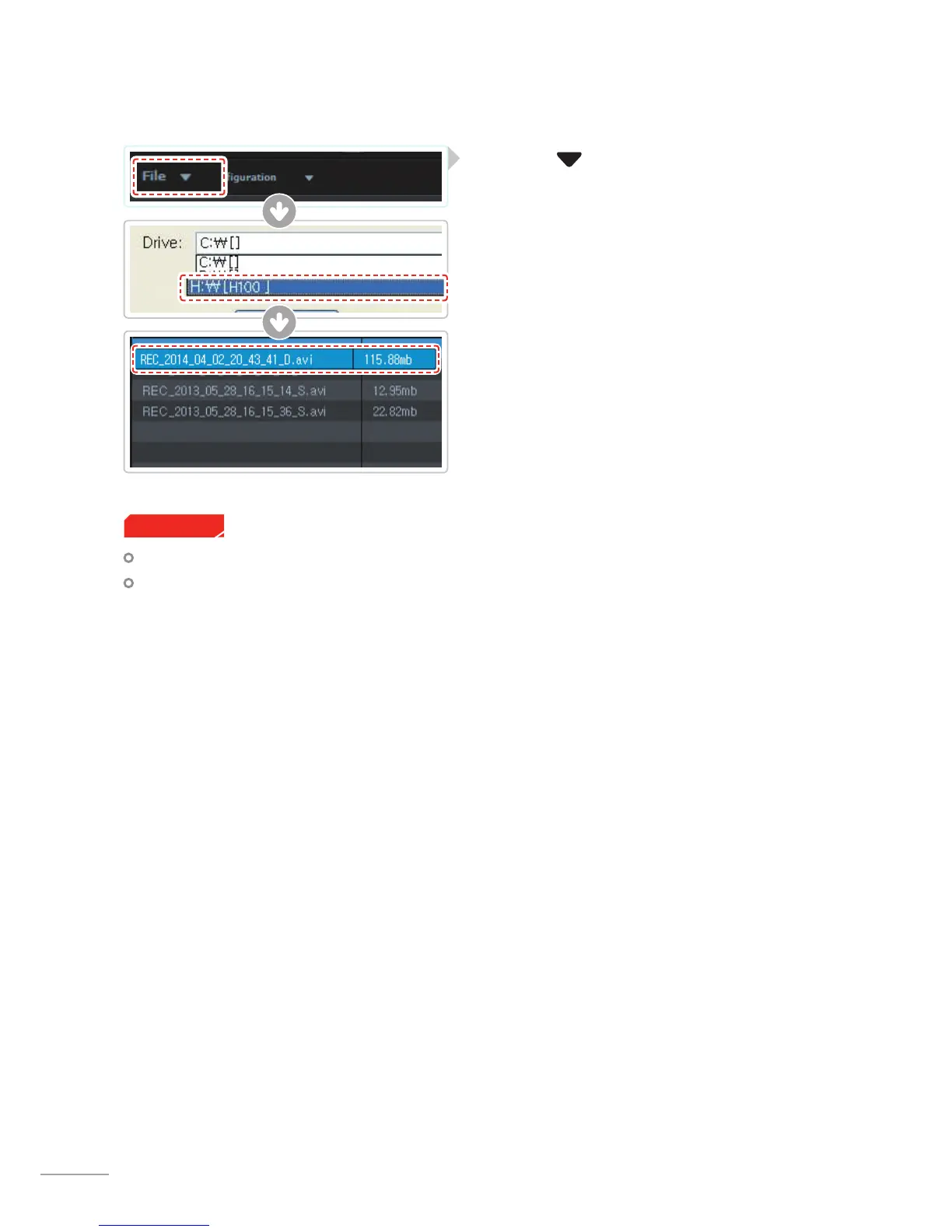
3-1-3. Select the Device Drive for H100
The drive for microSD card will not open if it has not previously been initialized in the dash cam.
Record at least 1 video clip with the microSD card in the dash cam before being able to access full menu
on Thinkware Dash Cam Viewer software.
Cautions
①
Click File from menu and select the drive for
the portable storage drive for the connected mi-
croSD card.
②
Select any le from the list to load entire video play-
list in the memory card.



 To Next Page