Using recording features
20
3.6 Using the Super Night Vision
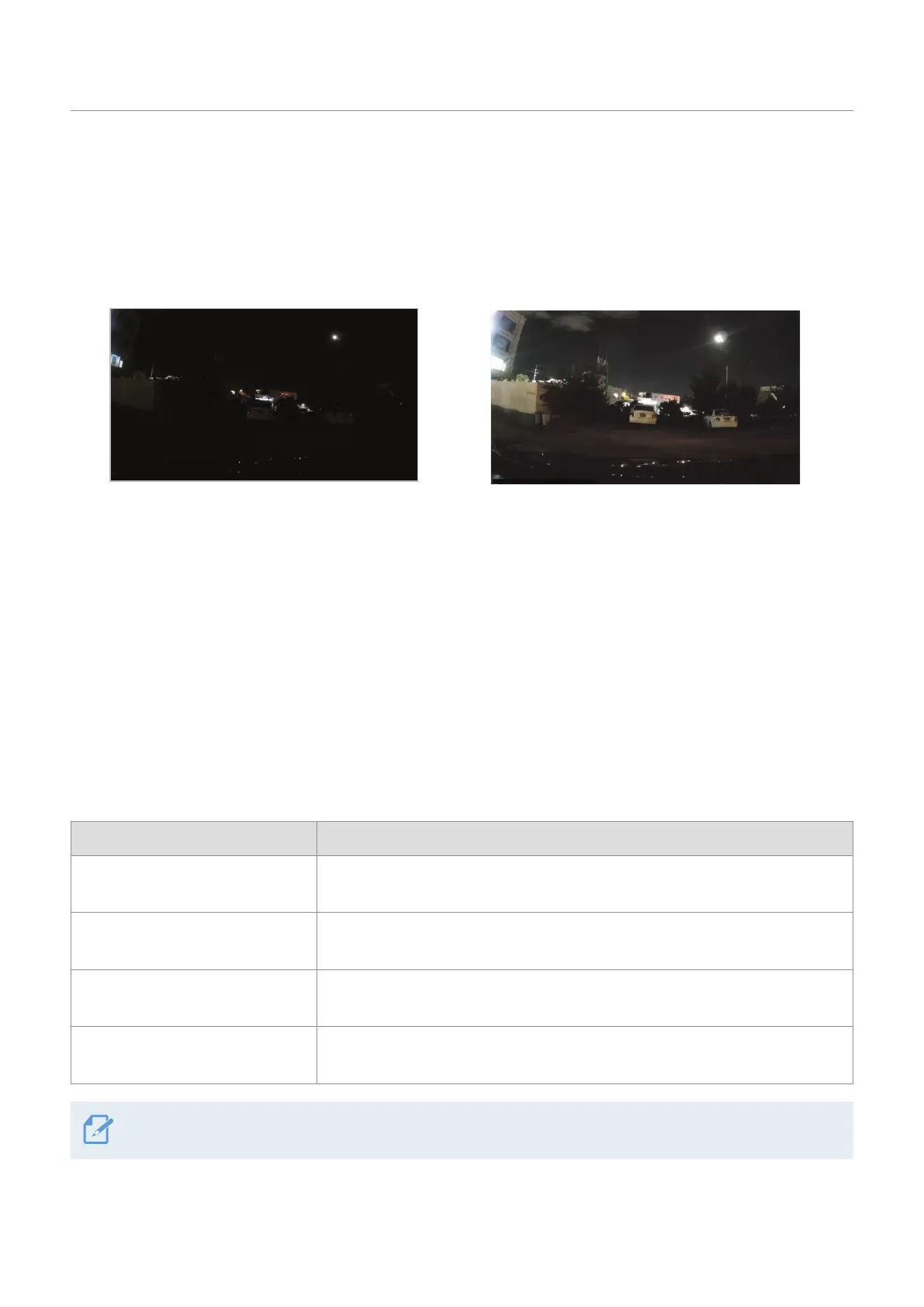
With the Super Night Vision feature, you can record videos that are much brighter than those recorded
without this feature. This feature is enabled by real-time image signal processing (ISP) that improves the
video brightness. This feature is available in the continuous recording and parking modes and is only
available on the front camera.
<When Super Night Vision is deactivated> <When Super Night Vision is activated>
1
From the mobile viewer, tap Dash Cam Settings
>
Record Settings.
2
From Super Night Vision, select the desired recording mode to use the Super Night Vision feature. The
new setting is applied automatically.
3.7 Using the road safety features (optional)
The road safety features include a safety camera alert system, a lane departure warning system (LDWS),
a forward-collision warning system (FCWS), a low speed Forward collision warning system (low-speed
FCWS), and a front vehicle departure warning (FVDW).
Safety feature Description
LDWS
(Lane Departure Warning)
Detects the lane departure via the real-time video and warns the driver
.
FCWS
(Forward Collision Warning)
Detects forward collision threats via the real-time video and warns the driver
when the vehicle is moving at 40 km/h or above.
Low Speed FCWS
Detects forward collision threats via real-time video and warns the driver
when the vehicle is moving at 10-40 km/h.
FVDW
(Front Vehicle Departure Warning)
Detects the departure of another vehicle that was previously stationary in
front of the vehicle and notifies the driver after four seconds (Beep).
Road safety features are performed differently depending on the set speed and sensitivity of the features.



 To Next Page