21
4. Using the mobile viewer
You can view and manage recorded videos and configure various product features on your smartphone.
• One of the following environments is required to use the THINKWARE DASH CAM LINK application:
- Android 7.0 (Nougat) or higher
- iOS 13 or higher
• You can use some GPS-related features (Safety Cameras, GPS information displayed on Speed Stamp) with
the mobile viewer via your smartphone's GPS function, but you can use an external GPS receiver (optional)
for more accurate GPS information.
• While using GPS-related features via your smartphone, the Status LED is blue, indicating that it is recording
normally. The Status LED is green only during manual recording and when an impact is detected.
4.1 Connect the product to a smartphone
1
On your smartphone, open the Google Play Store or Apple App Store and download and install
THINKWARE DASH CAM LINK.
2
Run THINKWARE DASH CAM LINK.
3
Tap Dash cam connection is required. at the bottom of the screen and follow the on-screen instructions
to connect the product to a smartphone.
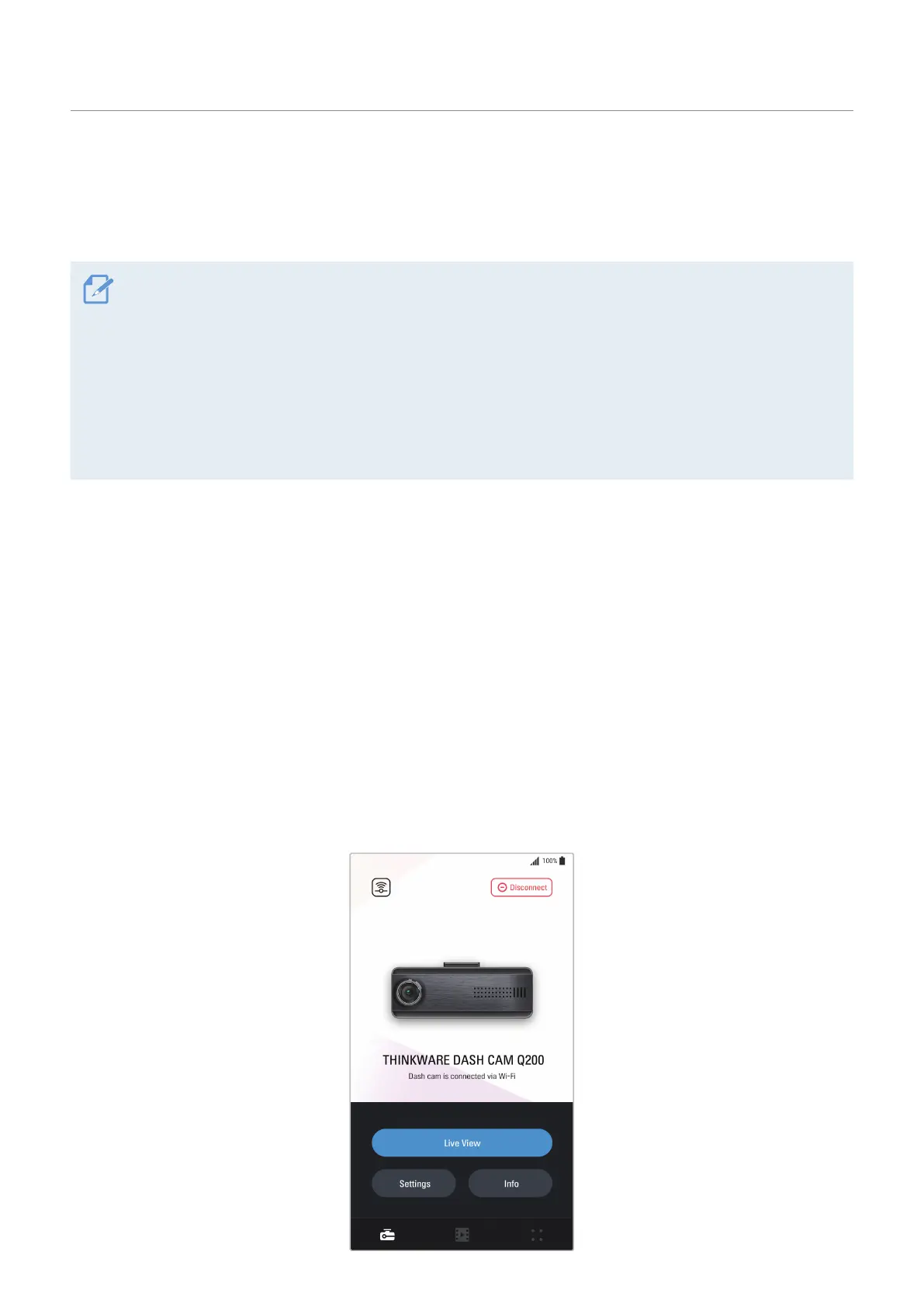
4.2 Viewing the mobile viewer screen layout
The following is the screen layout for the mobile viewer.



 To Next Page