9
English
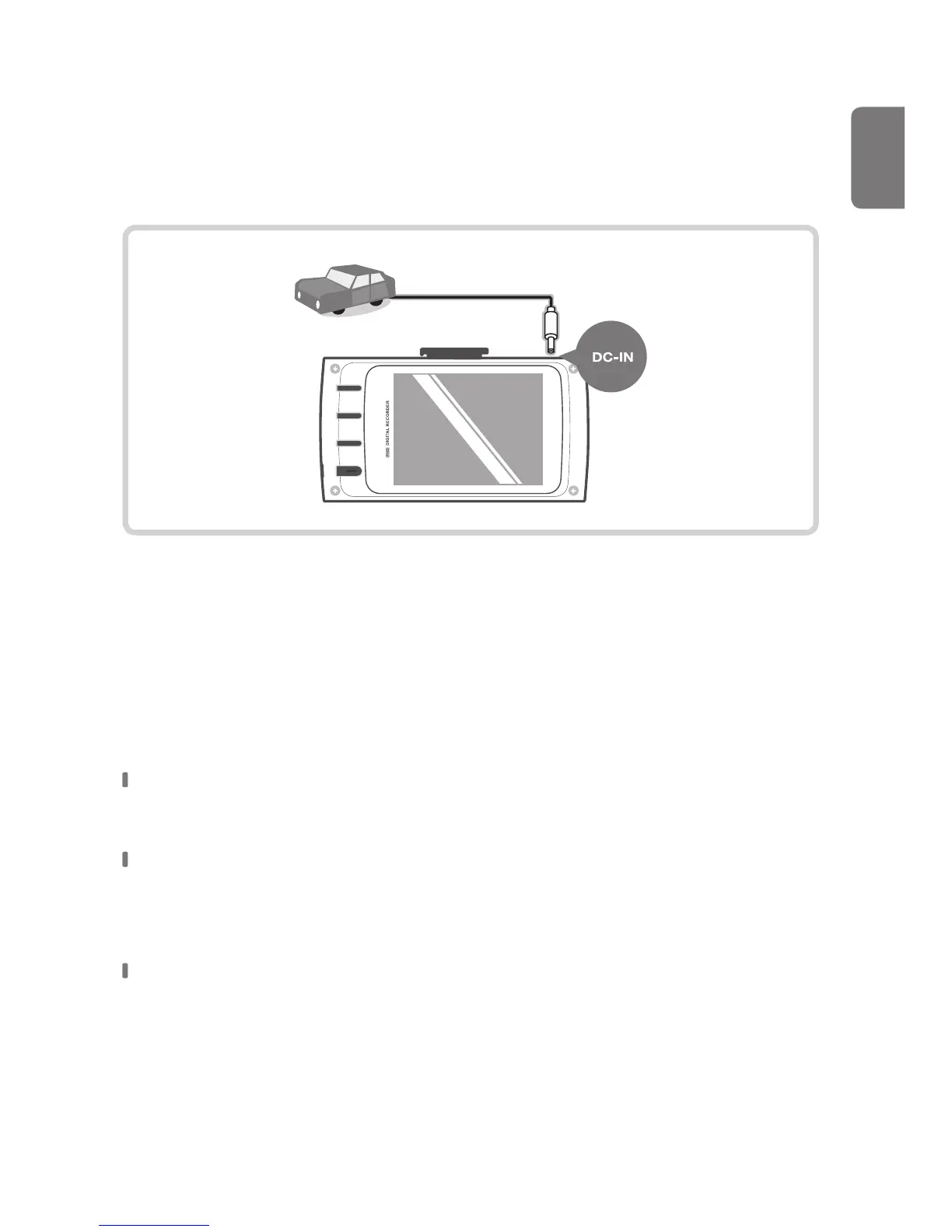
Turning the Device Power On/O
Once connected to the vehicle, the device will automatically turn on and
o with vehicle ignition.
Upgrading Firmware
The dash cam will automatically be updated if the microSD card contains
the upgraded rmware le.
Ensure your device is up to date with the latest rmware.
Check the THINKWARE website (www.thinkware.com) for latest rmware
upgrades.
Do NOT disconnect your device from power while it is being updated.
This will result in damage to the dash cam.
Power cable for vehicle



 To Next Page