8
Connecting the Device and the Mount
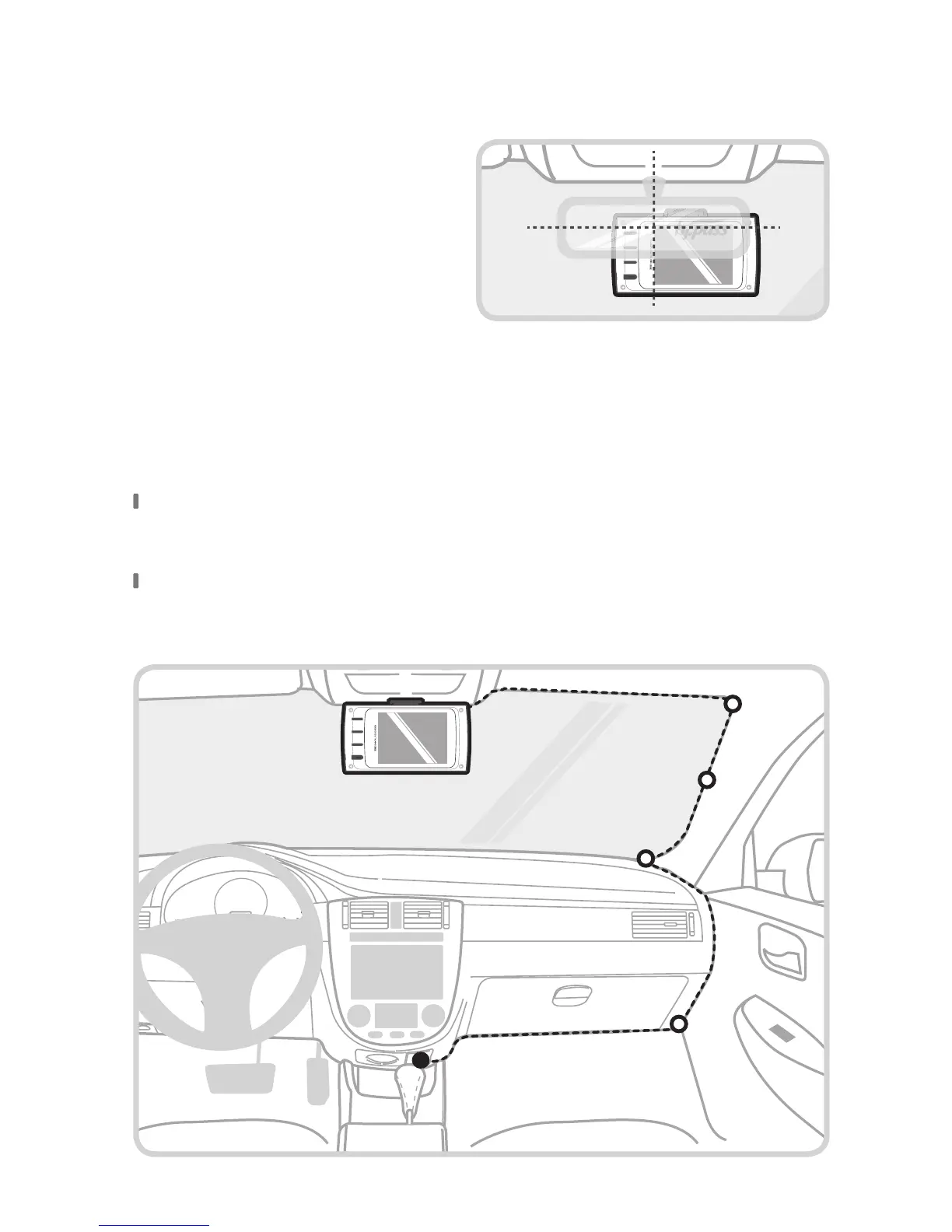
Install the dash cam behind the
rear-view mirror on the right of
center for optimal recording quality
as the camera lens is located on the
left of the device.
Arranging the Wiring
Hide the power cable by placing (tucking) it in the space between the
windshield and headliner.
Recommended locations for the adhesive wire clips to arrange the
power cable.



 To Next Page